
Personio
An admin access is required to connect Personio to Corma
On your Corma app go to the integrations page
Under "All Data sources" search for Personio and click on "Connect"
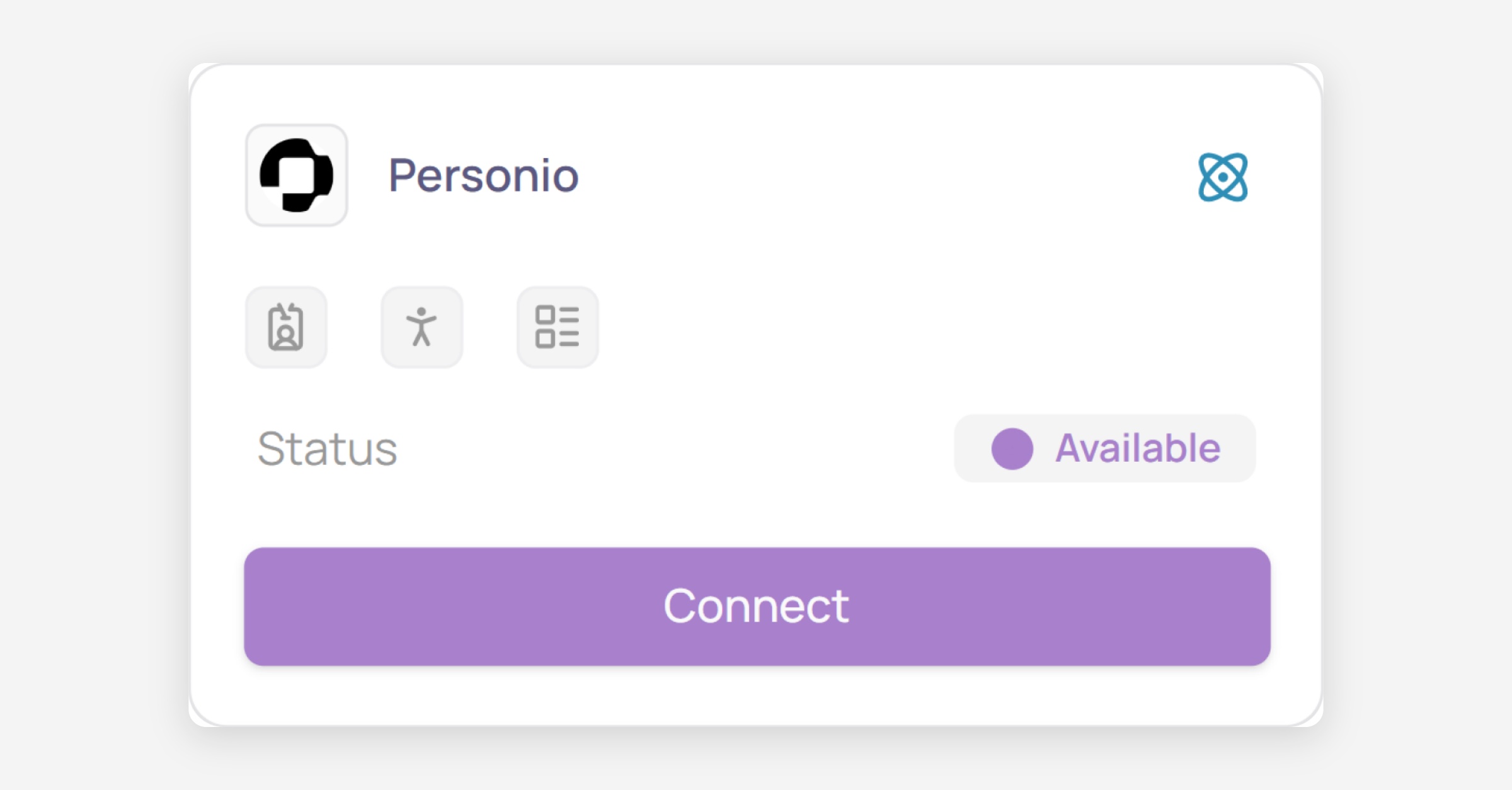
Click on “Connect” again
Create your Credentials
Log in to your Personio workspace at personio.com/login/
Go to Settings → Integrations → API credentials → Add (or edit an existing setting set)
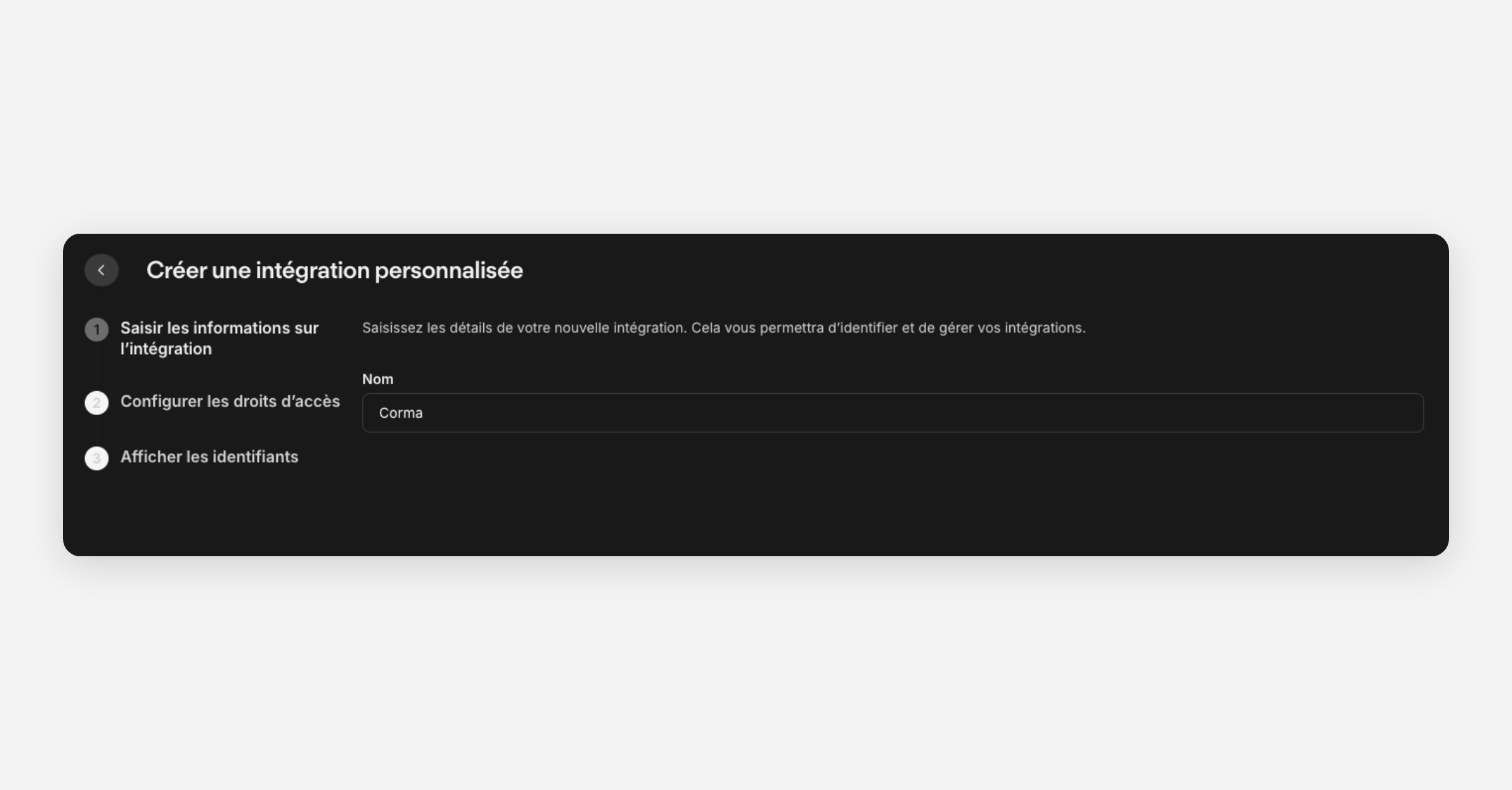
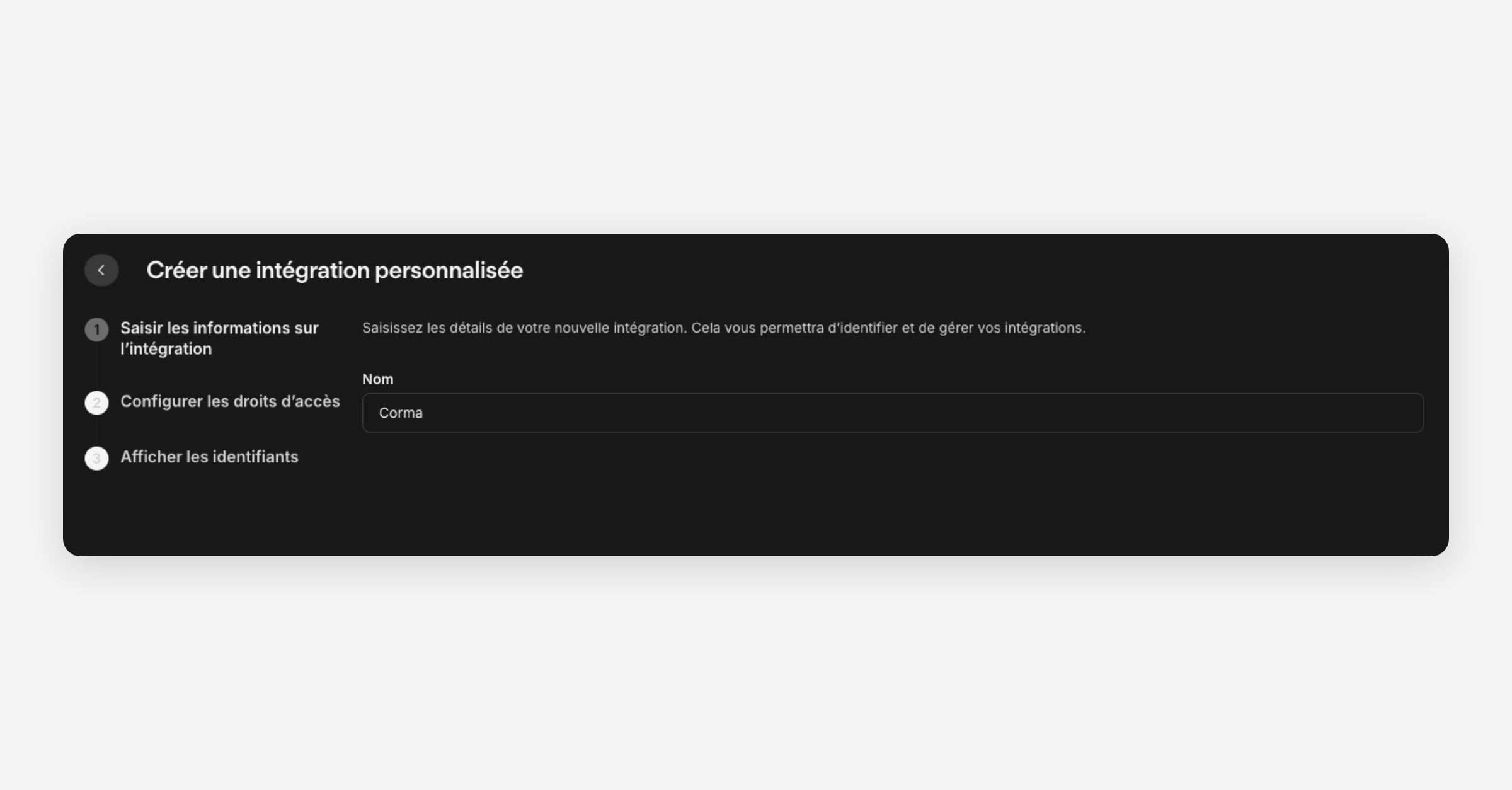
Create the credential: give it a name (e.g. “Corma”), then enable Read for:
Employees →
personio:persons:readOrg Units →
personio:org-units:readLegal Entities ->
personio:legal-entities:read
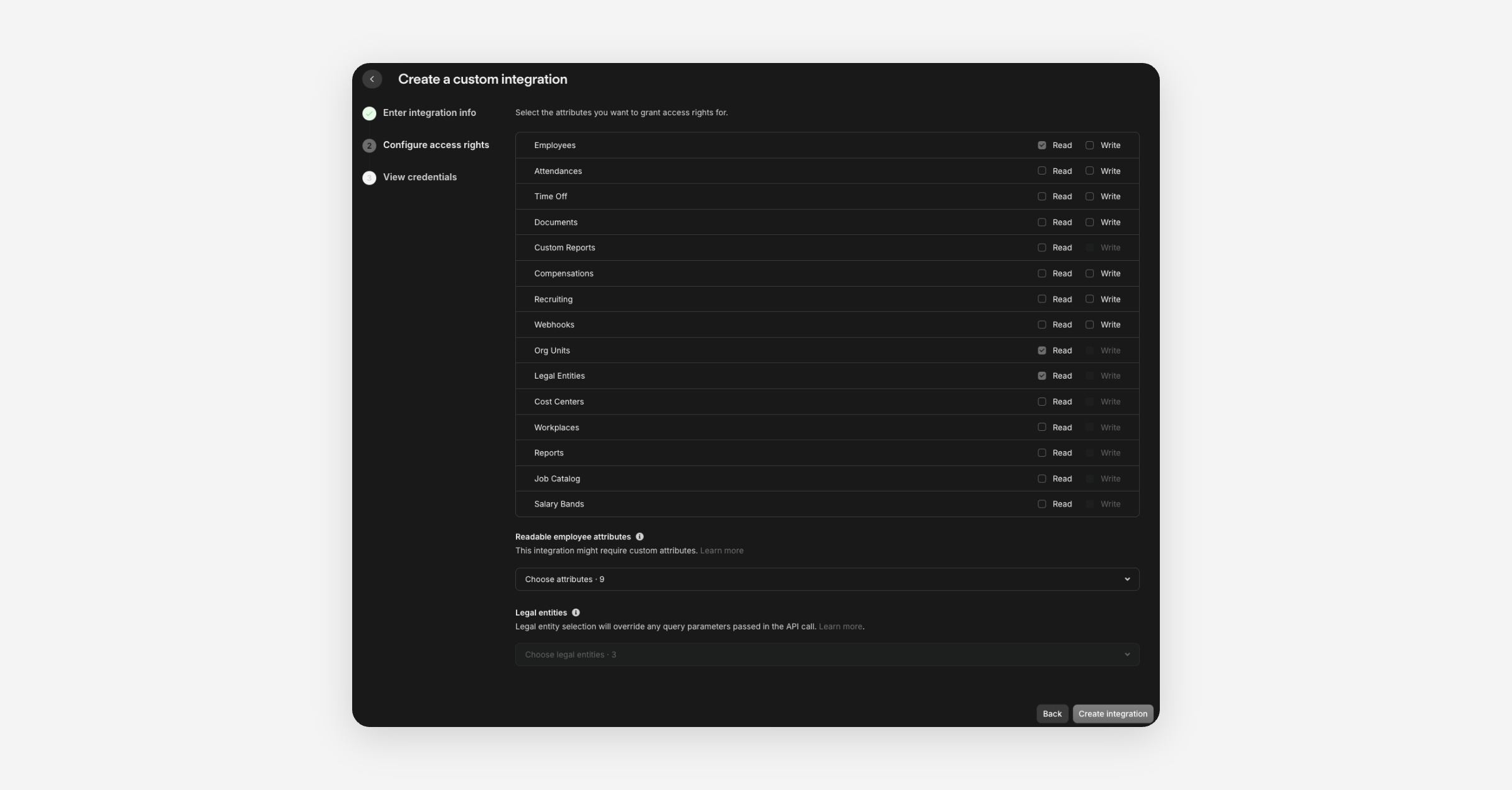
Whitelist employee fields: Under Readable employee attributes, enable at least:
Email
First name
Last name
Status
Position
Department
Hire date
Termination date
Supervisor
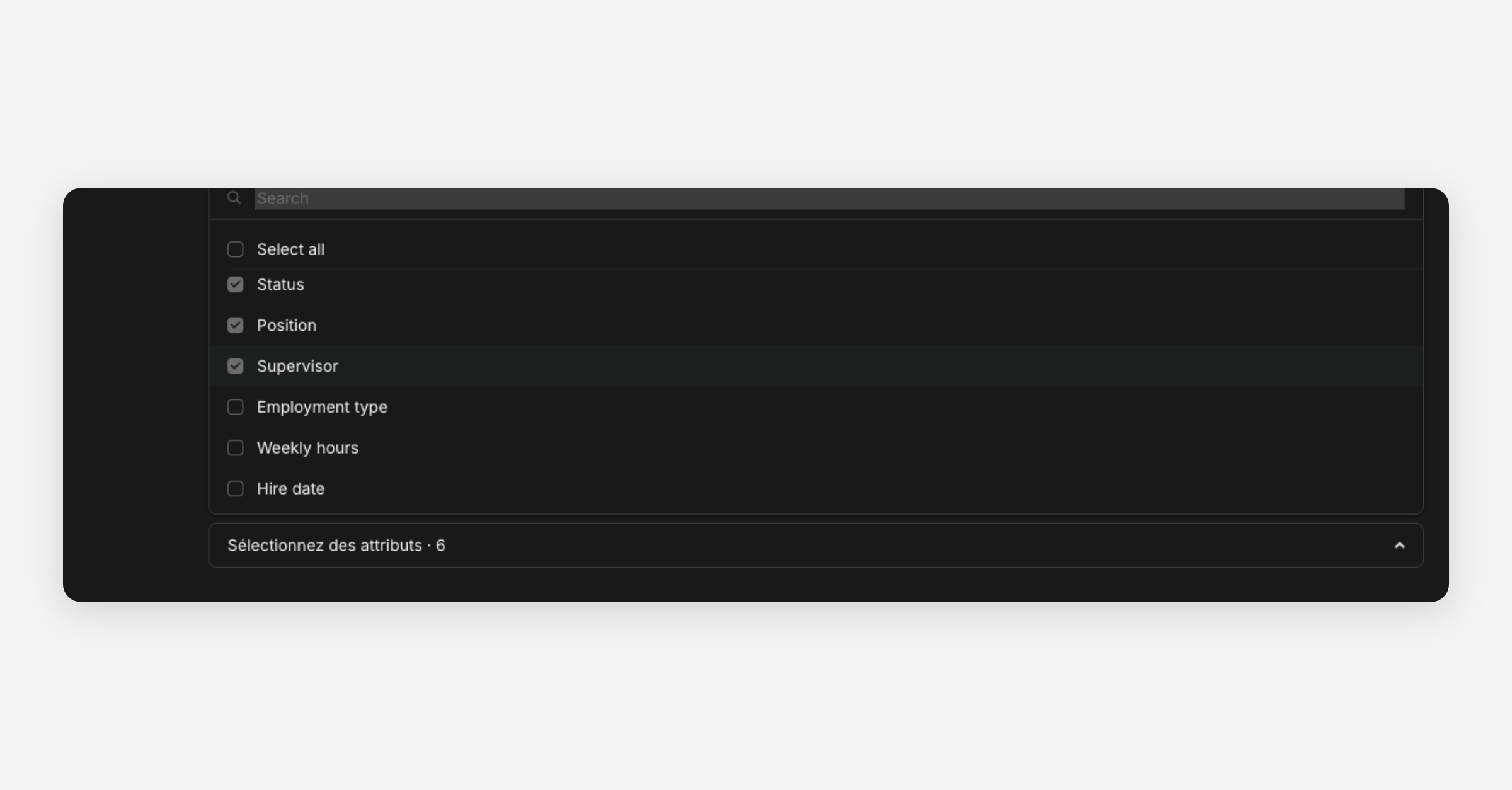
Save and copy secrets: Personio shows Client ID and Client Secret. Store them securely, the secret is only shown once.
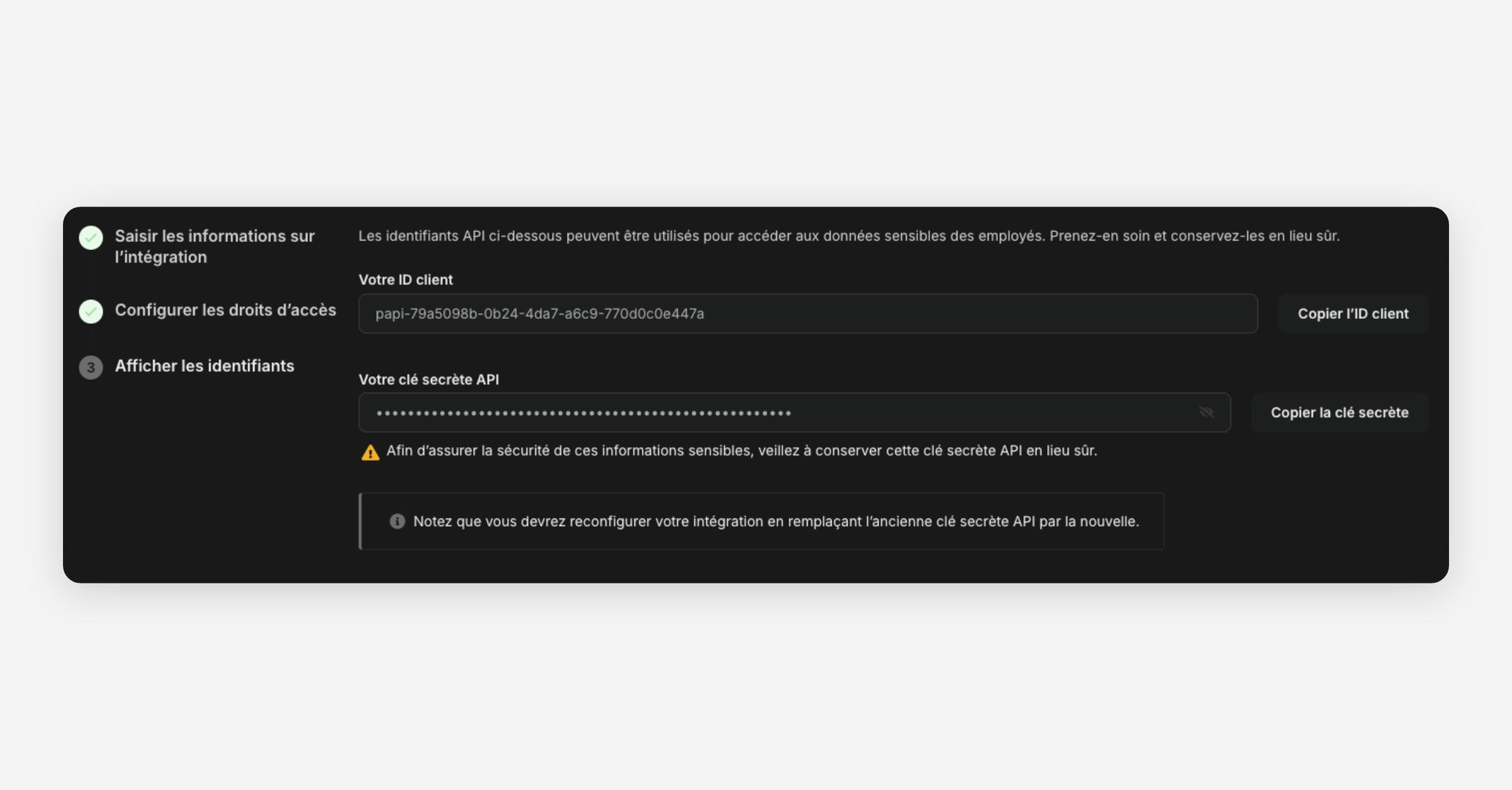
Paste your credentials in Corma, then click on “Submit”
You've successfully connected Personio to Corma!
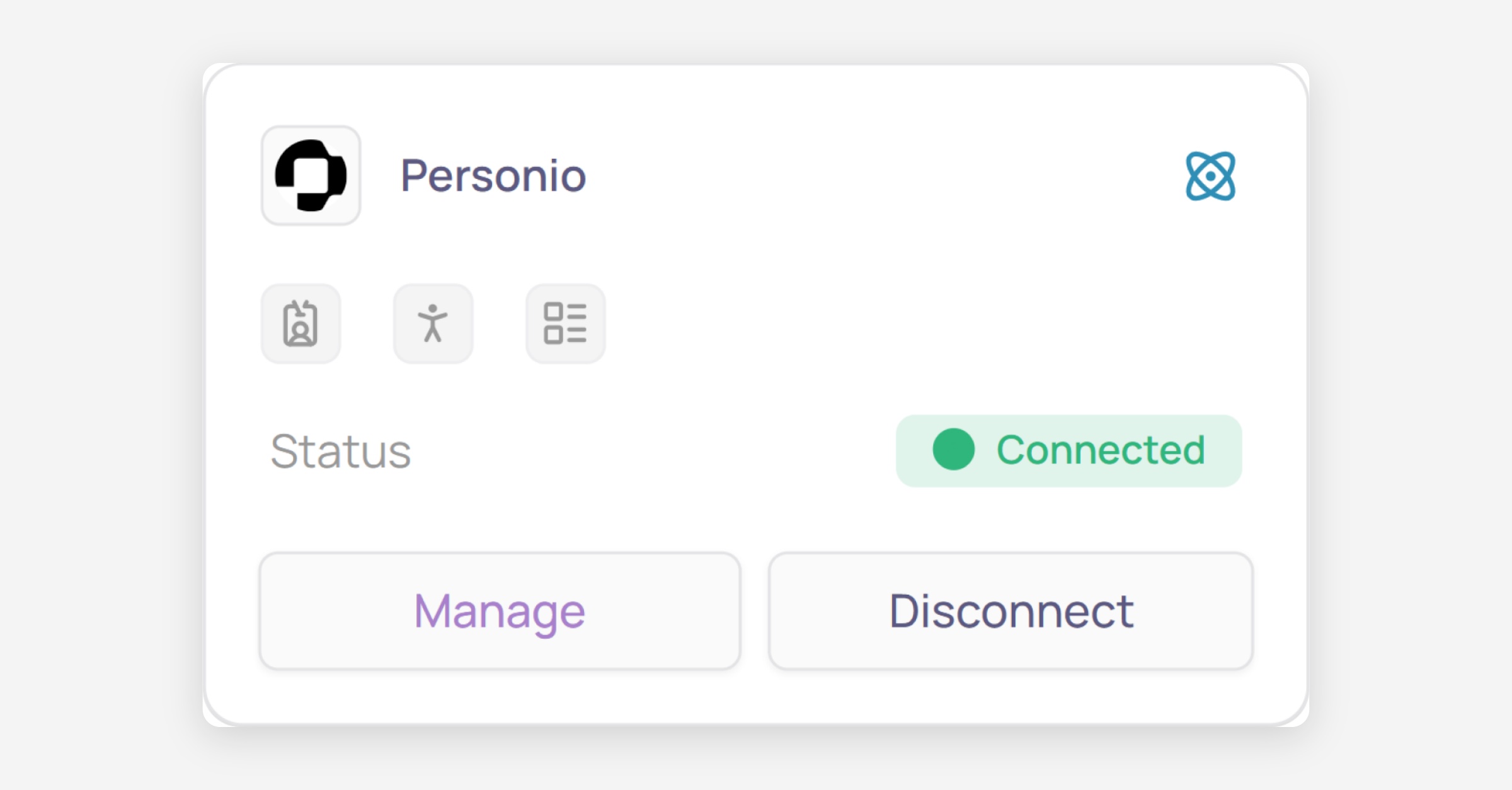
Data should be synchronized within the next 24 hours and will be synched every day to your Corma app.
Was this helpful?