
Spendesk

An admin access is required to connect Spendesk to Corma
On your Corma app go to the integrations page
Under "Finance integrations" click on "Connect" for Spendesk
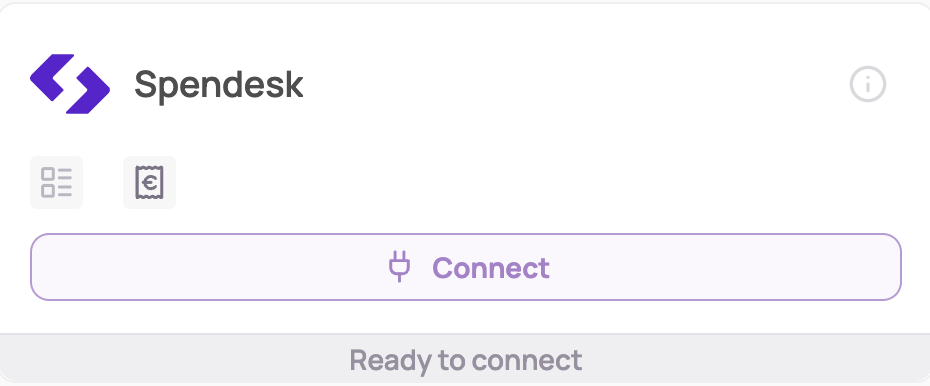
Connect to your Spendesk account and select the entity to give Corma access to Spendesk
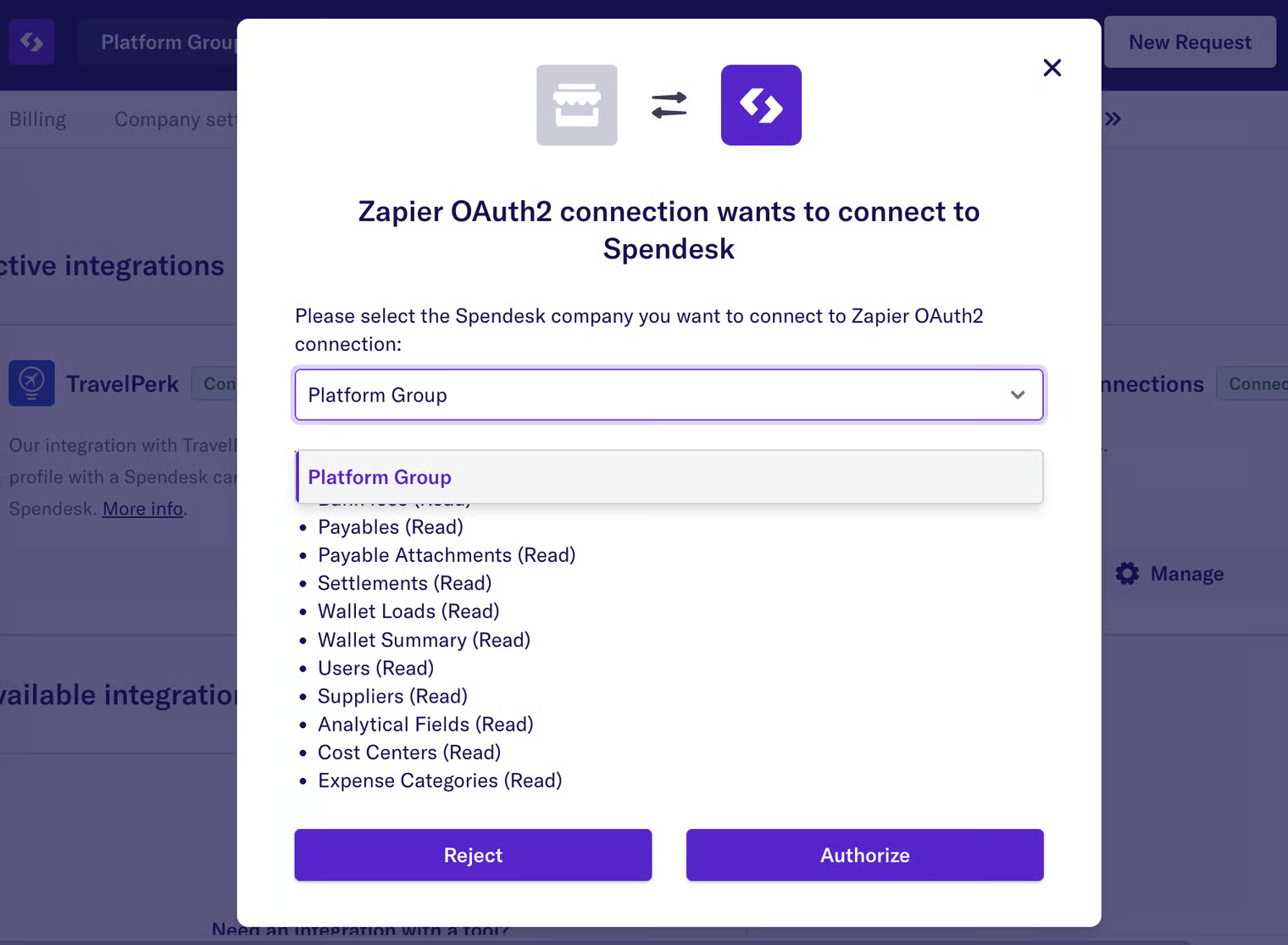
Click on Authorize to validate the connection
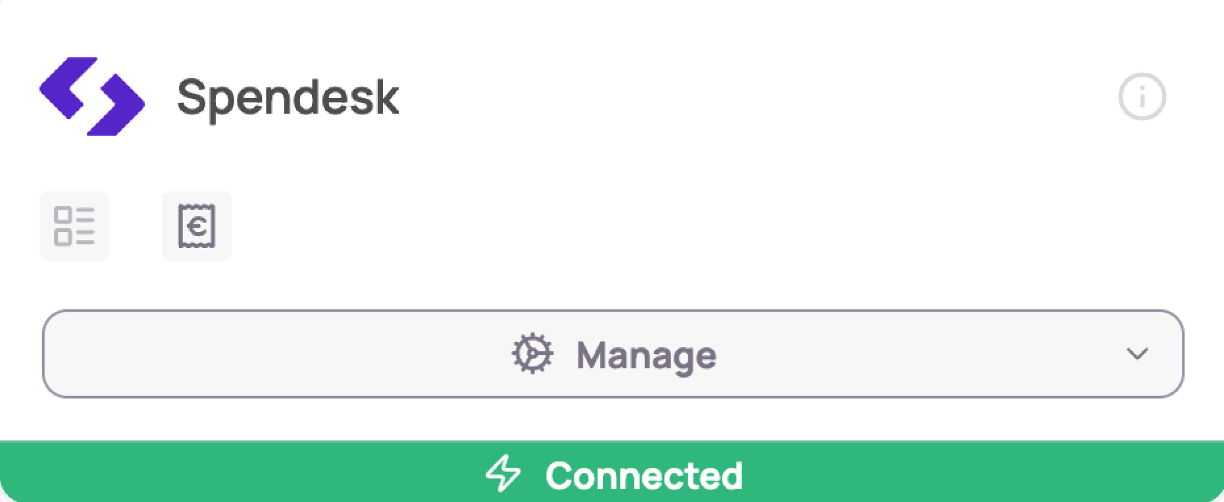
You've successfully connected Spendesk to Corma!
Corma will now import your last month historical data from Spendesk and all new expenses made.
Corma only has access to your spend data and list of users with a spendesk access, nothing more.
Was this helpful?