
Login methods
Corma supports 3 SSO providers as of today as the only way to login. Both methods are available on all pricing plans.
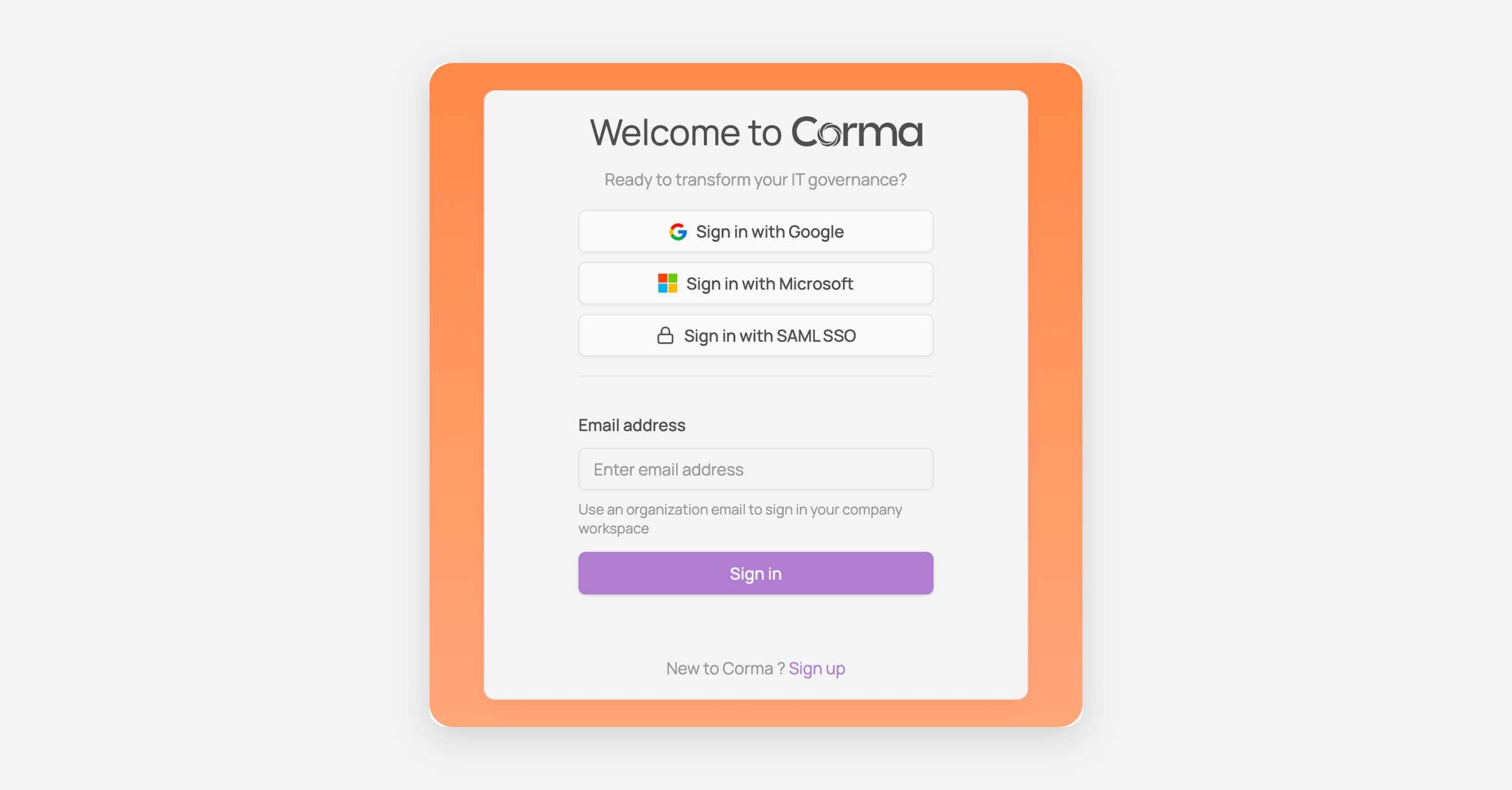
Sign in with Google
Go to app.corma.io
Click "Sign in with Google"
Select your Google account and authorize access
You will be redirected to your Corma workspace
Use your organization Google account, not a personal one.
Sign in with Microsoft
Go to app.corma.io
Click "Sign in with Microsoft"
Select your Microsoft account and authorize access
You will be redirected to your Corma workspace
Use your organization Microsoft account, not a personal one.
p.corma.io
Click "Sign in with SAML SSO"
Enter your work email address and continue
Authenticate with your identity provider
You will be redirected to your Corma workspace
Always start from the Corma sign-in page. Corma uses SP-initiated SAML, so launching the Corma tile from your identity provider's dashboard does not work. Your admin can point that tile at
https://app.corma.io/signininstead.If your admin has enforced SAML, the other sign-in methods stop working and Corma steers you to your identity provider.
New to Corma?
If you don't have an account yet, click "Sign up" at the bottom of the login page, or ask your workspace admin to invite you.
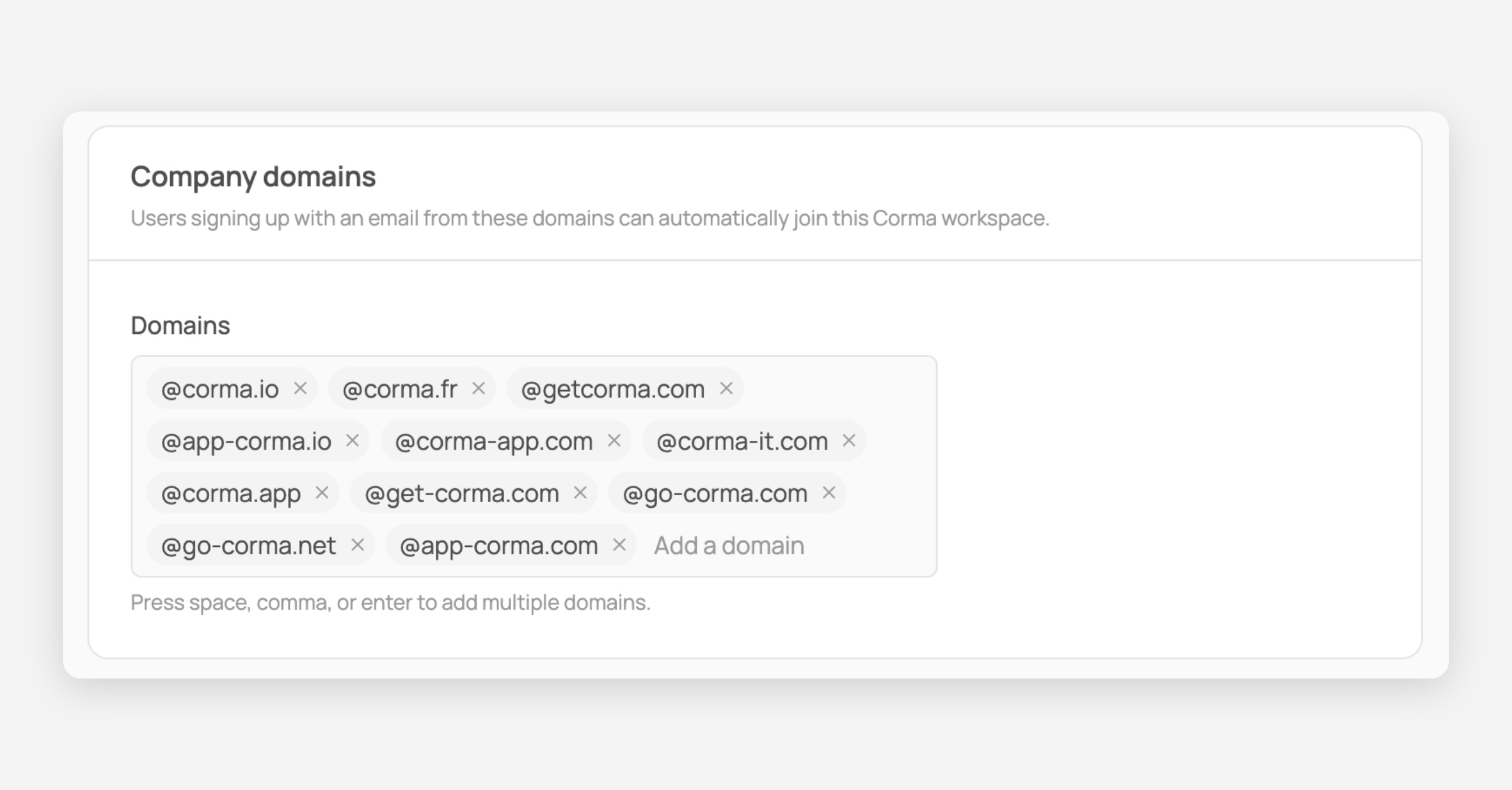
Company domains
Users signing up with an email from an approved domain can automatically join your Corma workspace. Add or remove domains from the Security tab under settings.
Was this helpful?