
Saved views
Overview
Every main table in Corma has a toolbar that lets you decide what you see: filter the rows, choose which columns are displayed, and save the whole setup as a view you can come back to.
Where you'll find it
The toolbar sits in the top right of the table, above the header. It holds three controls:
a funnel icon, for filters
a sliders icon, for columns and layout
the views button, which reads No view until you select one
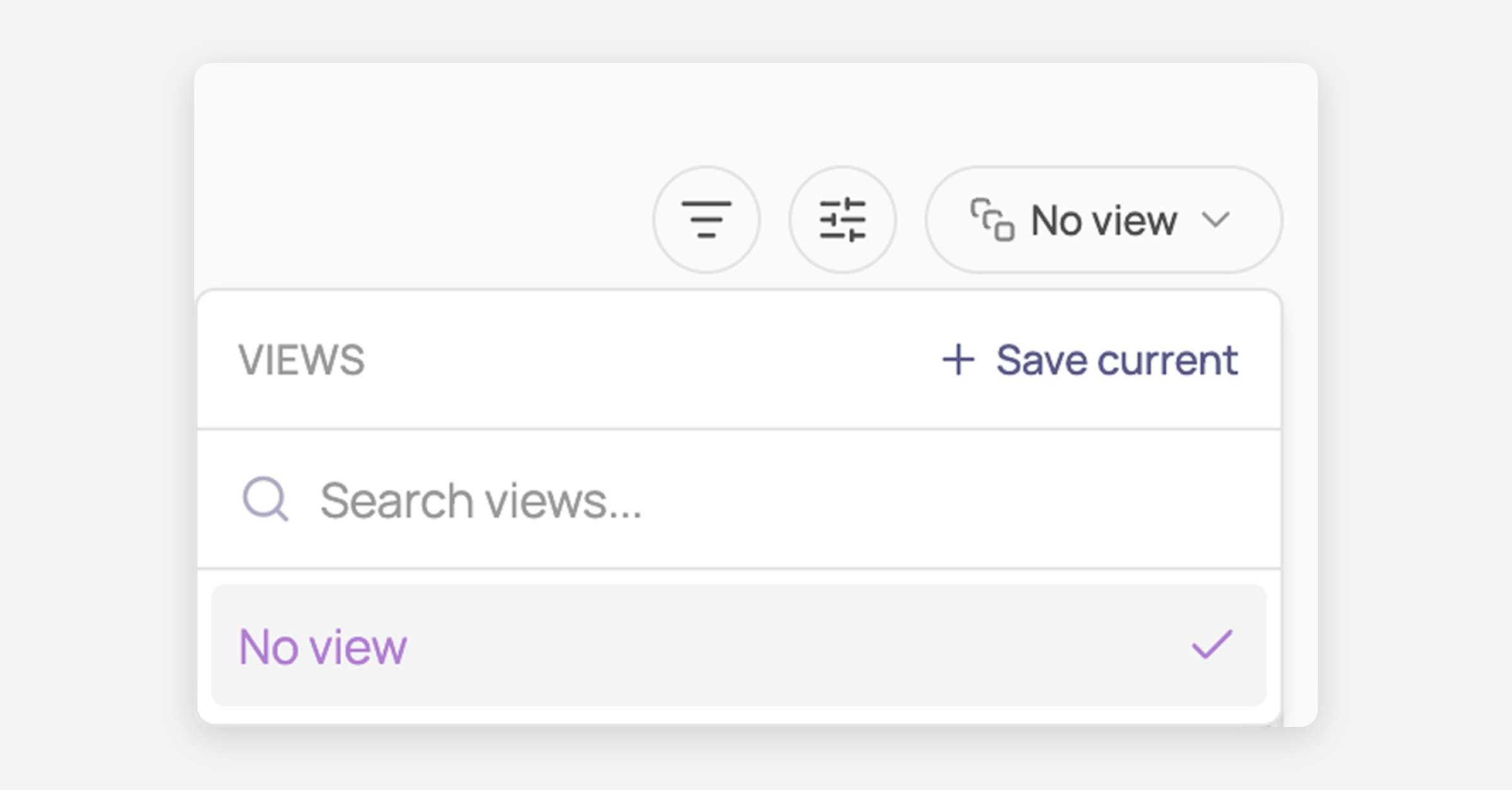
Corma shows it on the main pages:
Applications
Users
Licenses
Contracts
Tickets
Sub-pages and embedded tables, such as the licenses table inside a single app's page, have filters and column settings but no saved views.
Filters
Filters narrow down which rows the table shows. Each one applies a field (Labels, Status, Criticality) with an operator to the values you pick.
Applied filters appear in a row below the table header, with a + button to add another and a count above telling you how many rows match. The funnel icon carries a small number showing how many filters are active.
Operators depend on the field: most offer is and is not, while fields holding several values at once, such as Labels, offer contains and does not contain.
Display properties
The sliders icon controls which columns appear. On Tickets, it also controls whether you see a board or a table.
Saved views
Filters and column choices are temporary: they reset when you leave the page. A saved view stores them so you can return to the same setup.
A view holds three things:
the filters applied, including their operators
the columns shown and hidden
the layout, board or table, on Tickets only
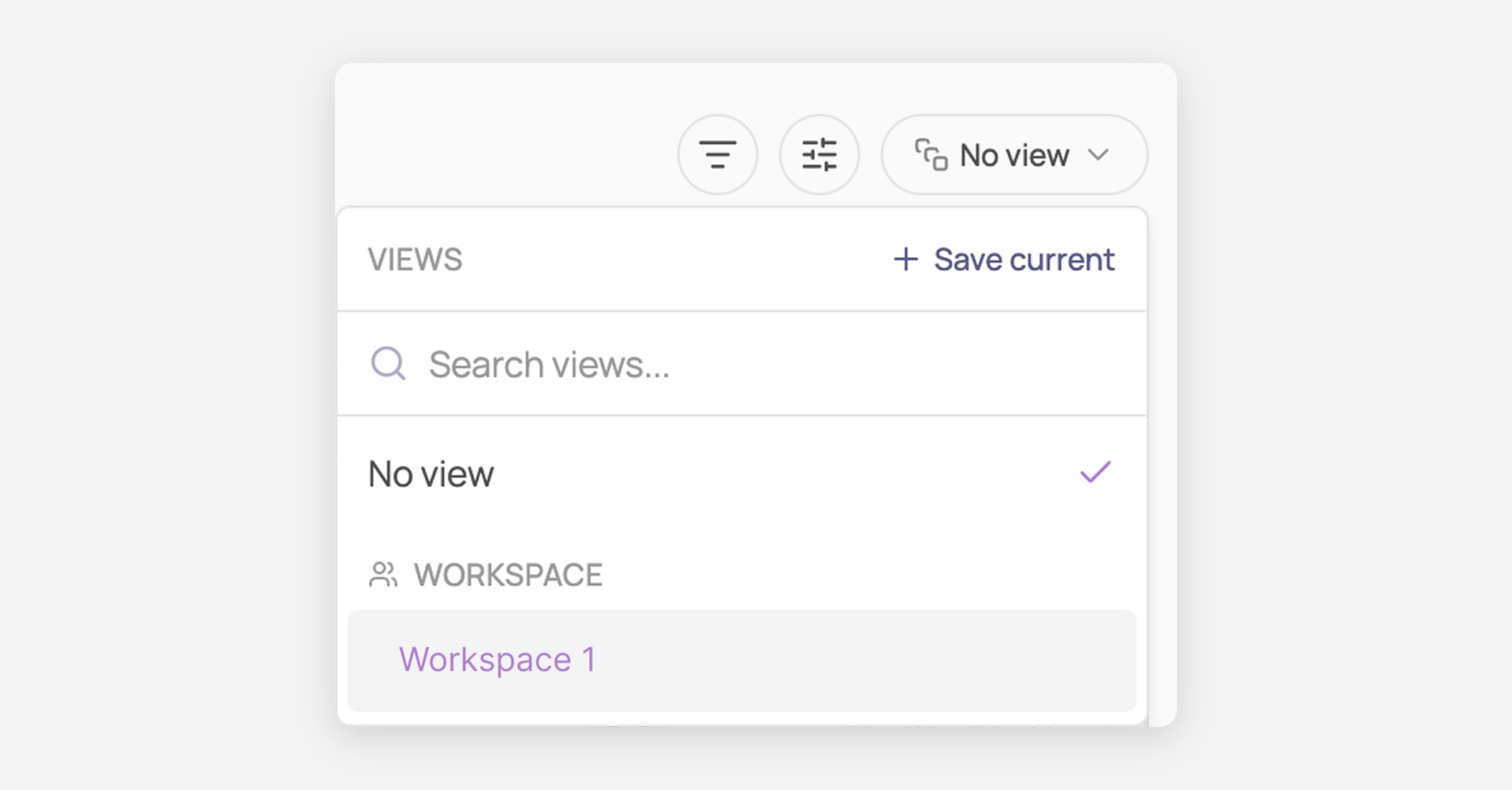
Personal and workspace views
Who can see it | Who can edit it | |
|---|---|---|
Personal | only you | only you |
Workspace | everyone in your workspace | any admin |
Only the person who created a workspace view can move it back to personal.
The default view
One view per page can be your default: the one Corma opens on. The default is personal to you, even for a workspace view, so colleagues can each set their own.
No view
No view means no filters at all: the full table. It sits at the top of the views dropdown, and it is where Corma lands you if you have no default set, or if you delete the view you were using.
🎯 Use cases
Was this helpful?