
Asana
An admin access is required to connect Asana to Corma
On your Corma app go to the integrations page
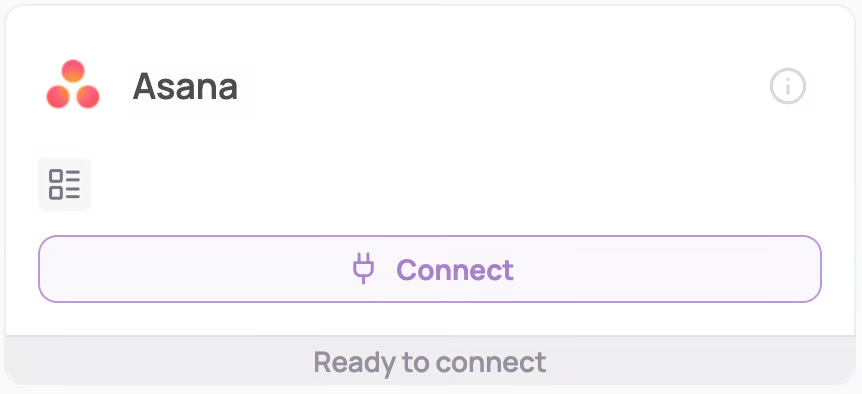
Under "Direct SaaS integrations" click on "Connect" for Asana
If you want Corma to collect last Activity information on your Asana licenses, please follow the optional steps below
(Optionnal) Add Service Account token
An Enterprise plan is needed for this step
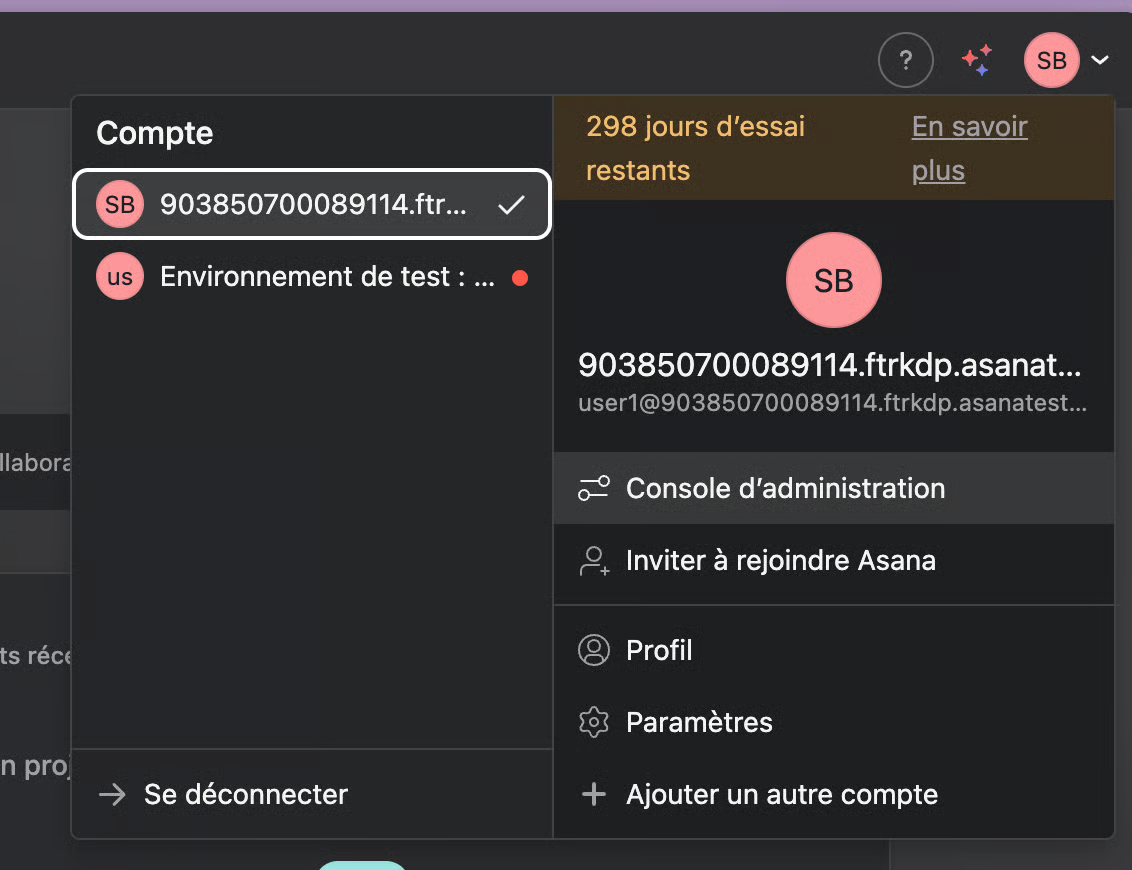
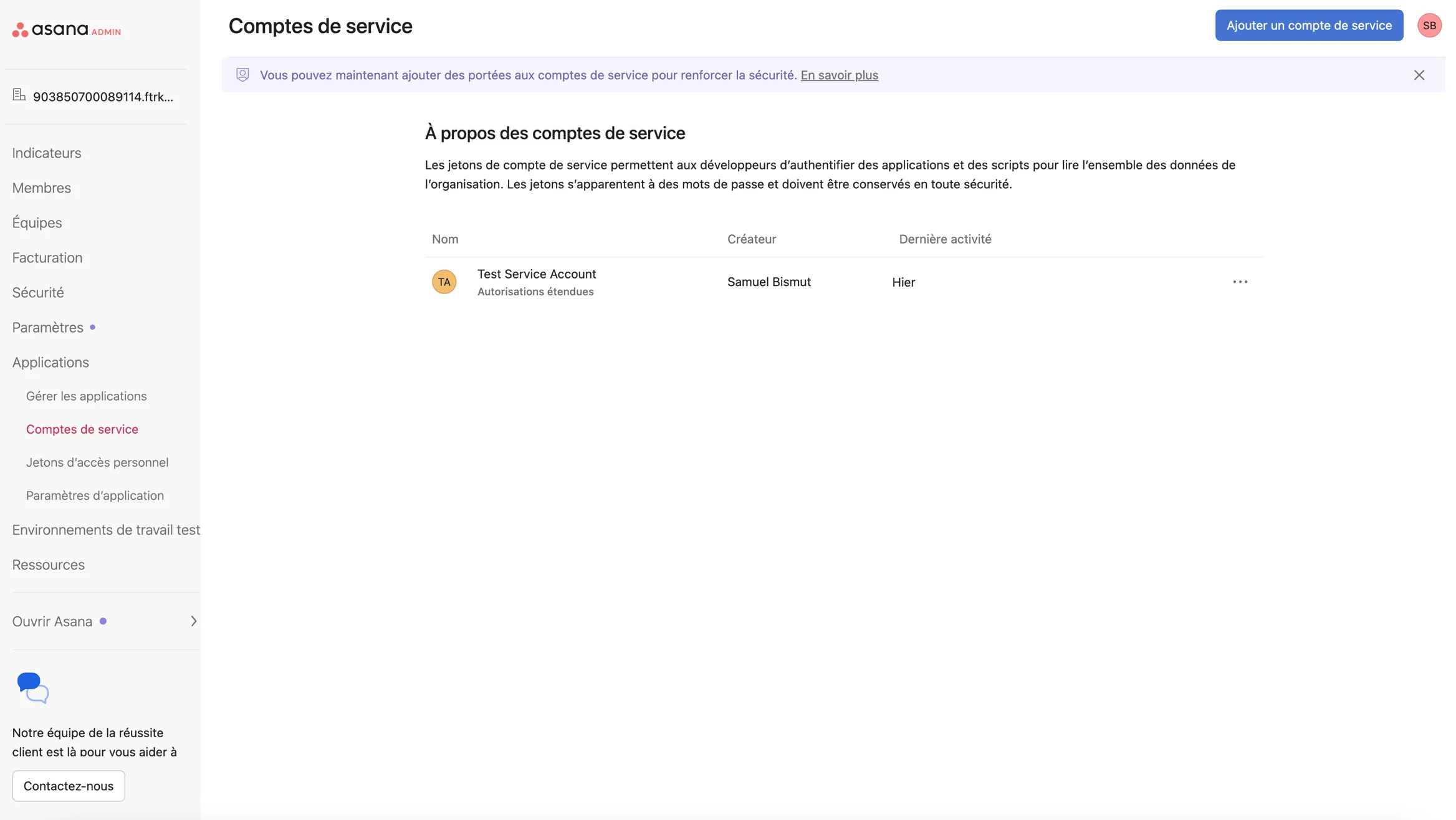
Go to Asana : Admin console > Applications > Service accounts
Click on Add a service account
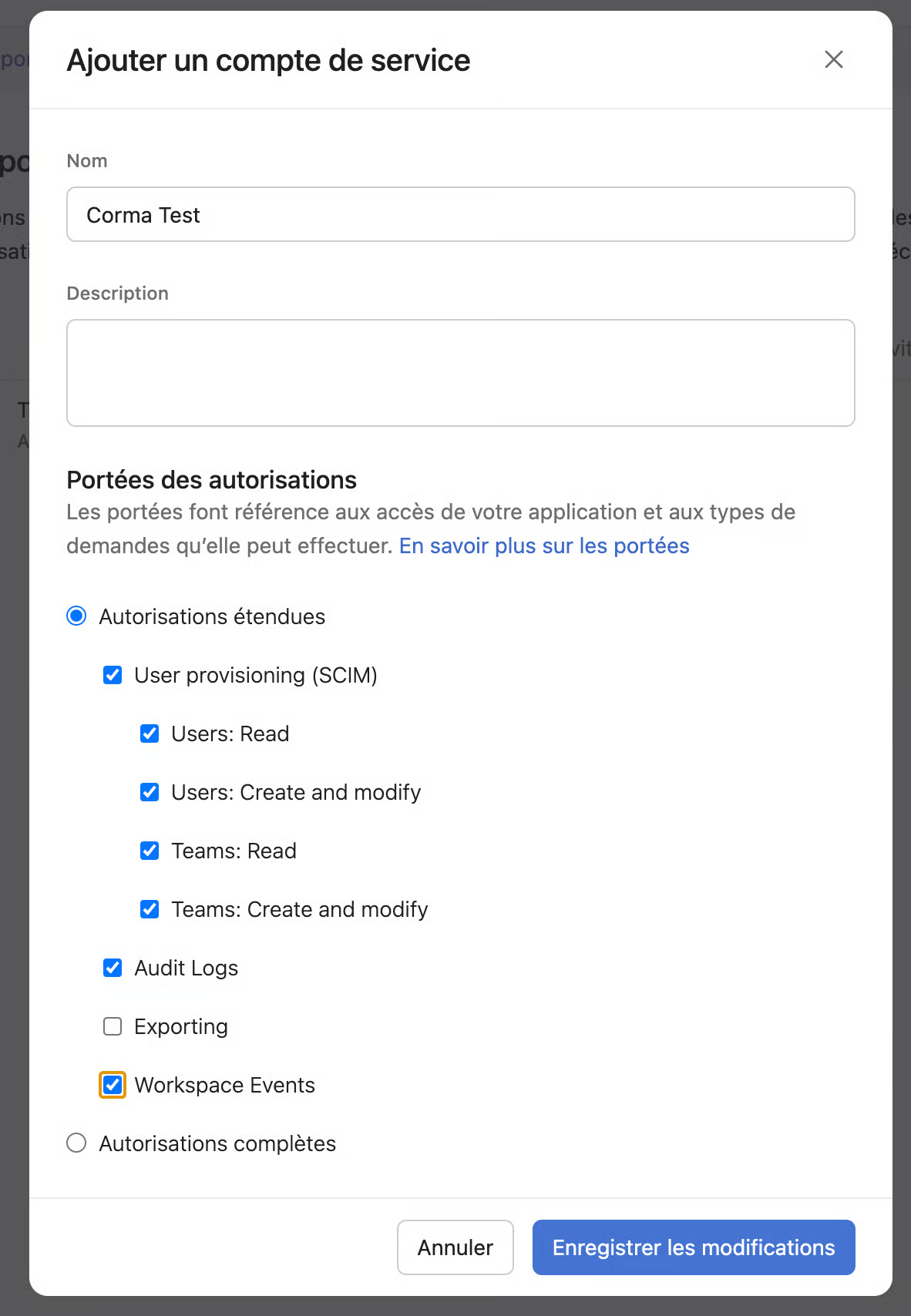
Select the following scopes and create the token
Copy paste the token in Corma and click on "Next"
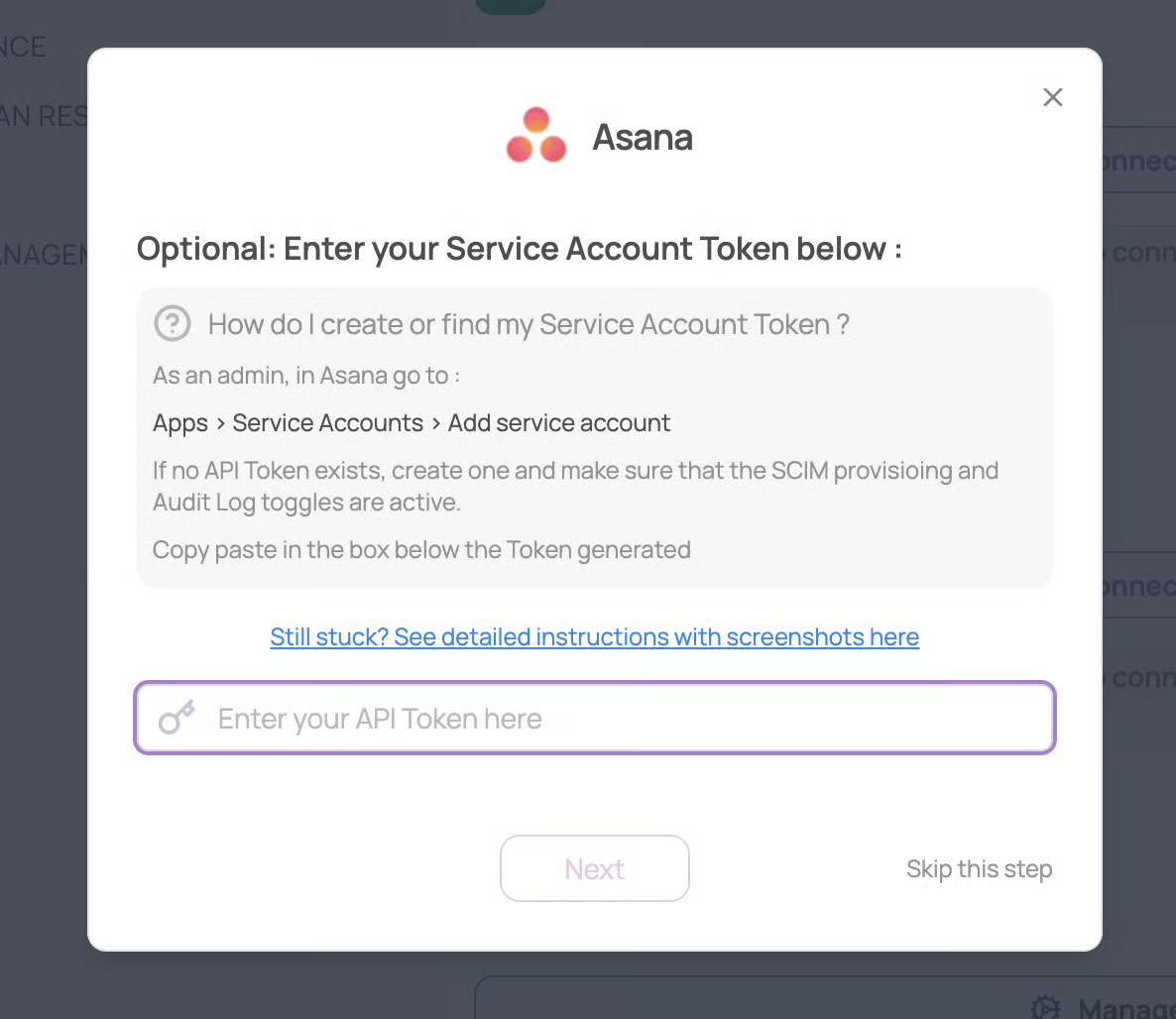
Otherwise you can click on "skip this step". Corma will then only be able to list Asana licenses in your organization and won't be able to collecy last activity information on those licenses.
Give Corma approval to access Asana data
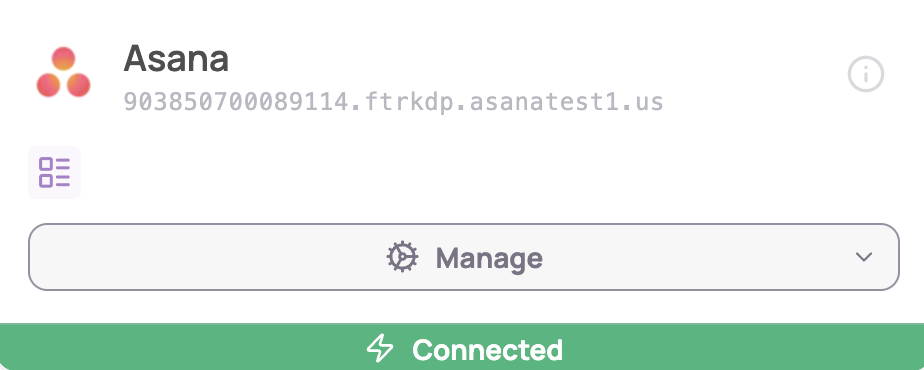
You've successfully connected Asana to Corma!
Data should be synchronized within the next 24 hours and will be synched every day to your Corma app.
Was this helpful?