
Bitwarden
An admin owner access is required to connect Bitwarden to Corma
On your Corma app go to the integrations page
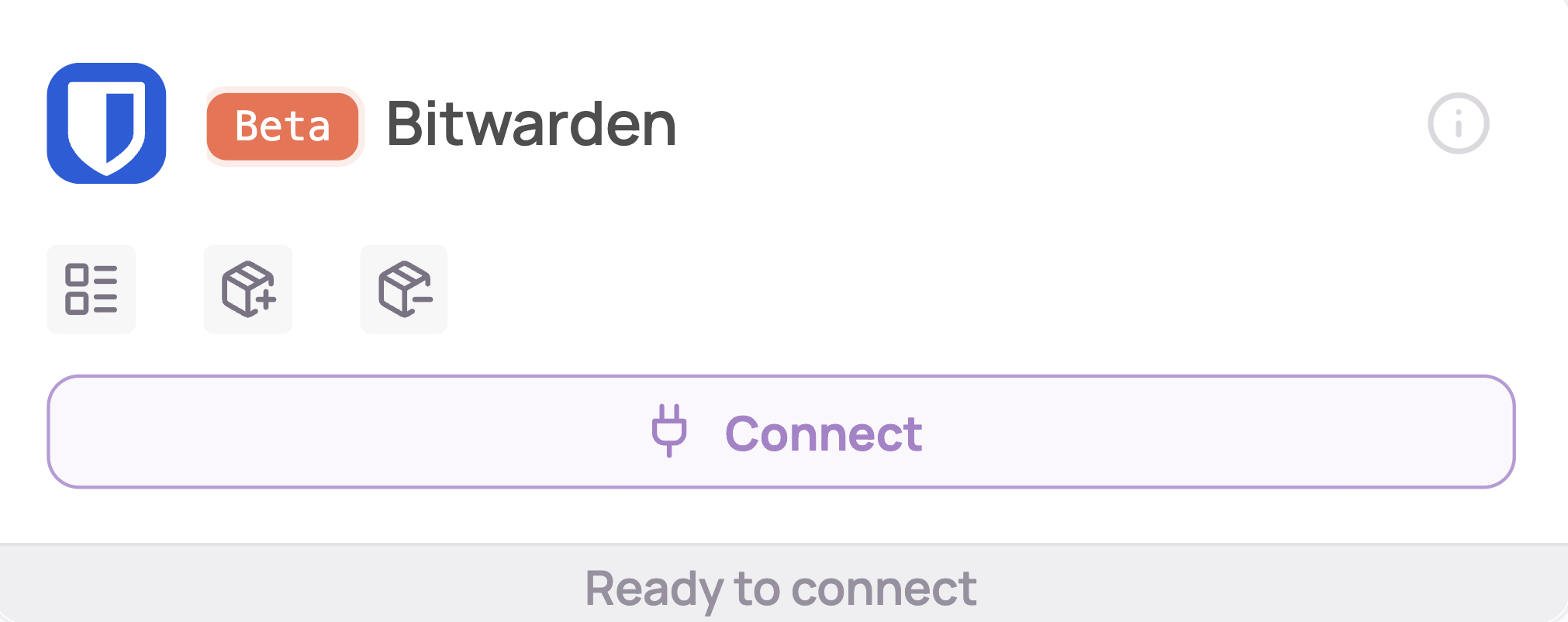
Under "SaaS integrations" click on "Connect" for Bitwarden
Retrieve your Client ID, Client Secret and Select your Region
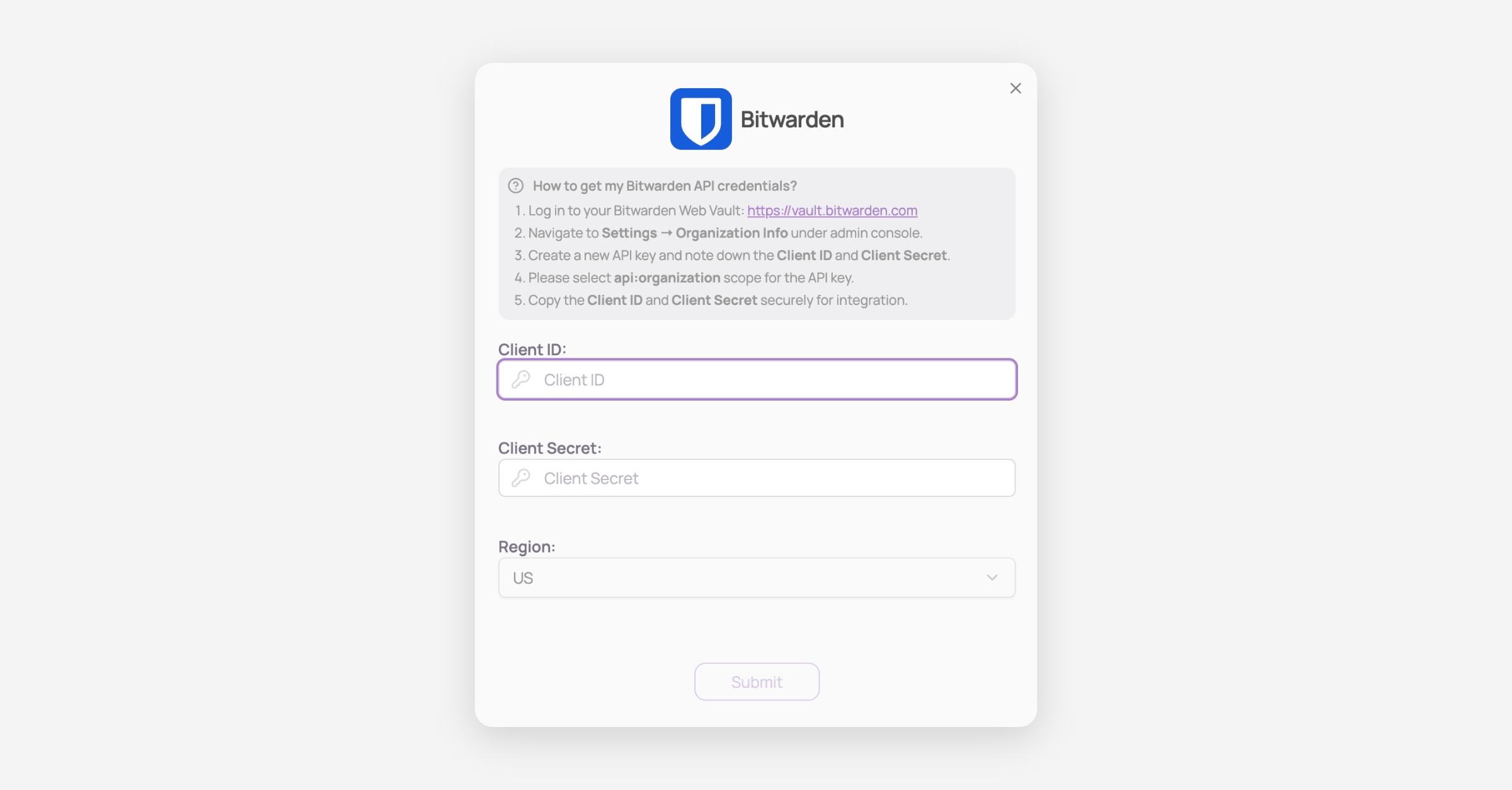
Log in to your Bitwarden Web Vault: https://vault.bitwarden.com
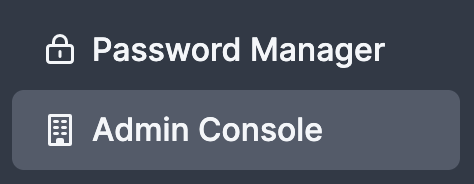
Navigate to the Admin console
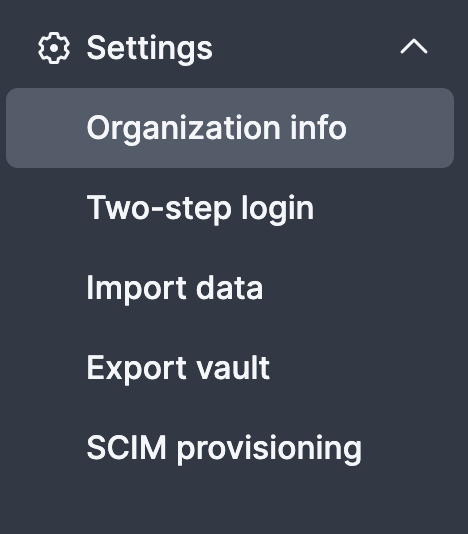
Navigate to Settings → Organization Info under admin console
Create a new API key and note down the Client ID and Client Secret.
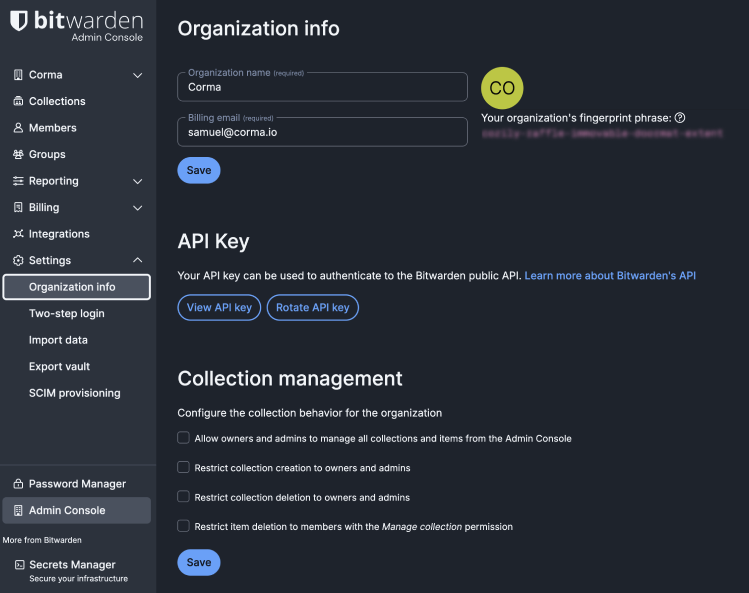
Copy the Client ID and Client Secret securely for integration.
You've successfully connected Bitwarden to Corma!
Data should be synchronized within the next 24 hours and will be synched every day to your Corma app.
Was this helpful?