
How to connect OneLogin for SAML SSO
Configure SAML single sign-on between OneLogin and Corma. Start from How to setup SAML SSO, which covers the Corma side, then come back here. You need a OneLogin administrator account and a Corma workspace admin account.
OneLogin saves each tab of the connector separately. Click Save, top right, before you leave a tab, otherwise your changes are lost.
Step 1: Create the app connector
In the OneLogin admin portal, open Applications → Applications and click Add App.
Search for SAML Custom Connector (Advanced), published by OneLogin, and select it.
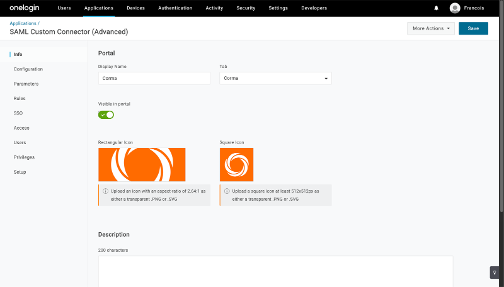
On the Info tab, set the Display Name to Corma, add the icons if you like, and click Save.
Step 2: Configure the connector
On the Configuration tab, under Application details, enter the values shown with copy buttons in Corma under Settings → Security → SAML, then click Save.
OneLogin field | Value |
|---|---|
RelayState | Leave empty |
Audience (EntityID) | The Audience URI value, |
Recipient | The SSO URL (ACS) value, |
ACS (Consumer) URL Validator | The same URL as a regular expression, |
ACS (Consumer) URL | The SSO URL (ACS) value, |
Single Logout URL | Leave empty |
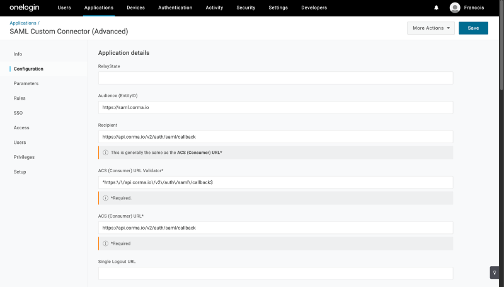
Continue further down the same tab, under the SAML options, then click Save again.
SAML initiator: Service Provider. The default, OneLogin, starts an IdP-initiated flow that Corma rejects.
SAML nameID format: Email
Keep the other options at their defaults: SAML issuer type Specific, SAML signature element Response, Encrypt assertion unchecked.
Step 3: Add the parameters
Corma reads the user's email and name from SAML attributes. On the Parameters tab, click the + button three times and create the custom parameters below. Check Include in SAML assertion for each one, leave NameID value on Email, then click Save.
Field name | Value |
|---|---|
firstName | First Name |
lastName | Last Name |
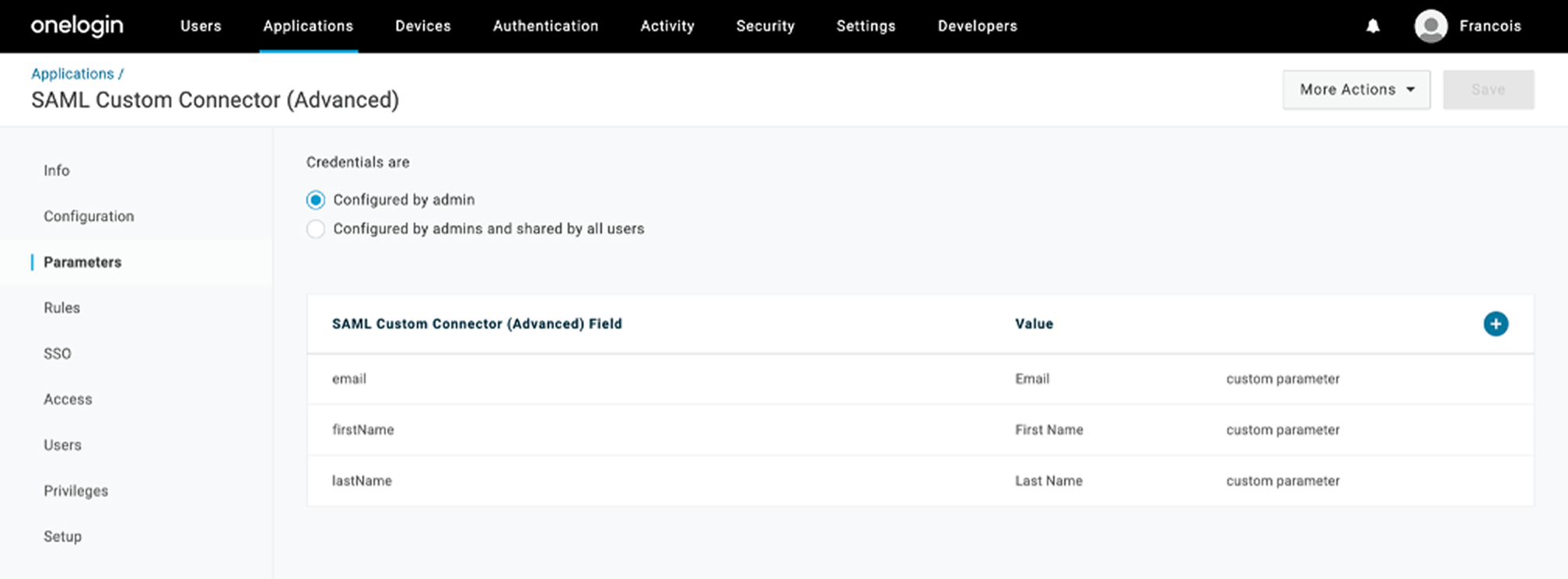
Corma rejects the sign-in if the assertion carries no email attribute, so this step is not optional.
Step 4: Copy the issuer URL
On the SSO tab, set SAML Signature Algorithm to SHA-256 and click Save.
After the save, copy the Issuer URL, which looks like
https://app.onelogin.com/saml/metadata/.... It is the SAML metadata URL of the connector, and Corma reads the signing certificate and the sign-in endpoint from it.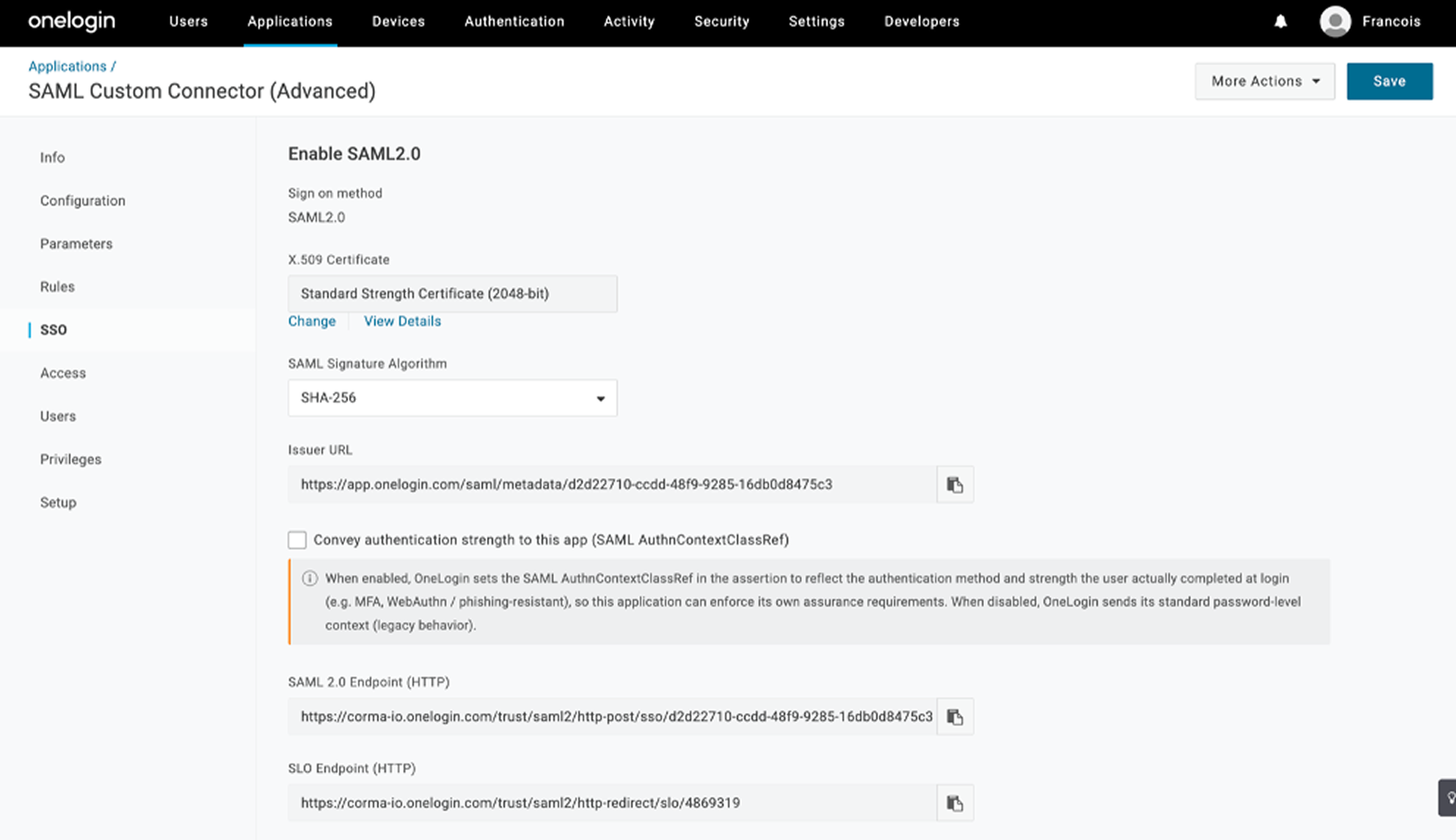
Step 5: Connect OneLogin in Corma
In Corma, open Settings → Security → SAML and turn on Enable SAML SSO.
Select OneLogin as the SAML provider.
Paste the Issuer URL as the metadata URL and click Save changes.
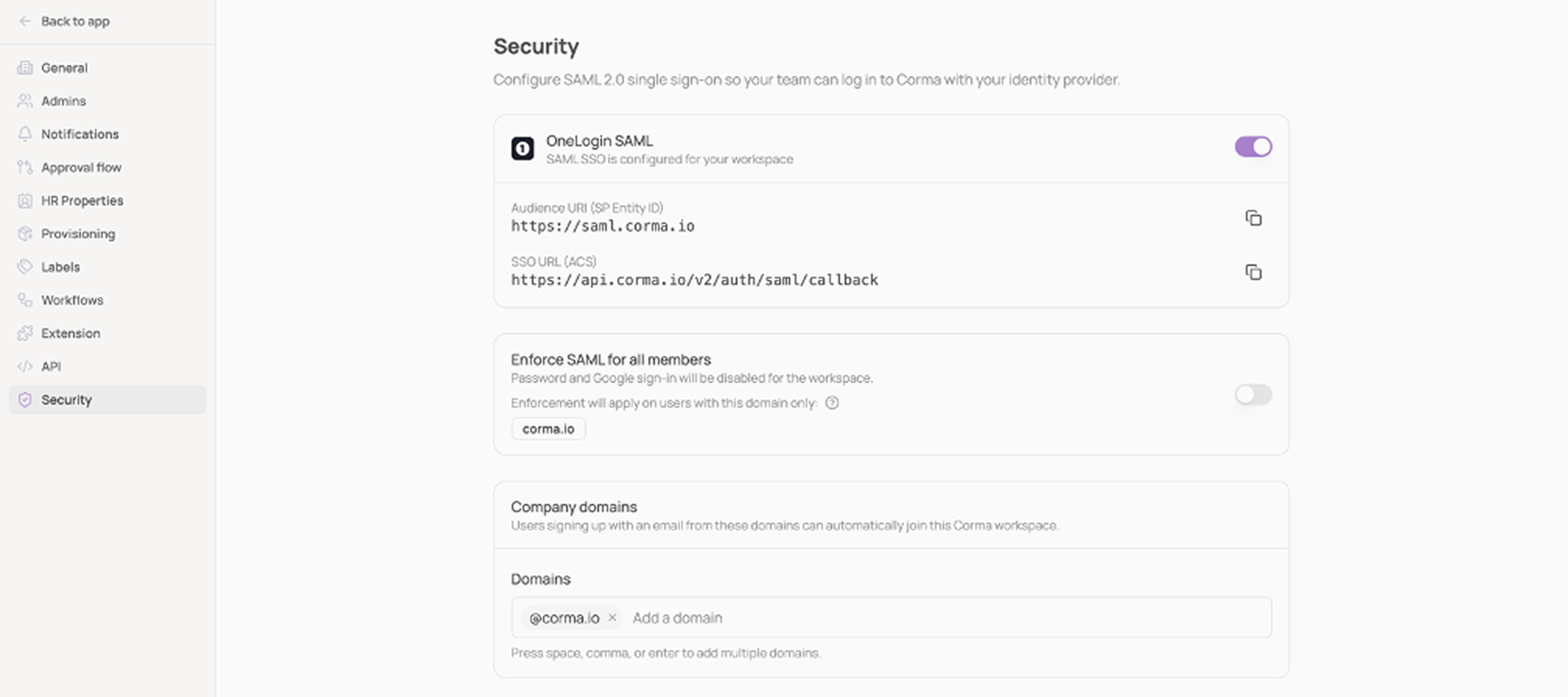
Once saved, the card shows OneLogin SAML, SAML SSO is configured for your workspace, with the Audience URI and SSO URL you registered in OneLogin.
Step 6: Assign users
On the app's Access tab, assign the roles, and therefore the users, who should access Corma, then click Save. Assigned users can sign in from the Corma sign-in page with Sign in with SAML SSO. Unknown users join your workspace automatically on first sign-in.
Launching Corma from the OneLogin portal
Corma uses SP-initiated SAML only. The default portal tile starts an IdP-initiated flow, which Corma rejects.
Either turn off Visible in portal on the Info tab, or point your team at
https://app.corma.io/signin.
Was this helpful?