
Docs / Concepts
Security
Detect and control unsanctioned apps across your organization
Overview
Security page
Corma’s Security module helps IT teams detect, monitor, and manage unsanctioned applications across the organisation.
Within the Security module, Shadow IT refers to applications used by employees without formal approval from IT. These apps often go unnoticed, creating security, compliance, and financial risks. Corma automatically detects these apps and presents them in a dedicated interface, enabling IT admins to take swift and informed action.
Access the Security module by clicking on the dedicated page in the left sidebar.

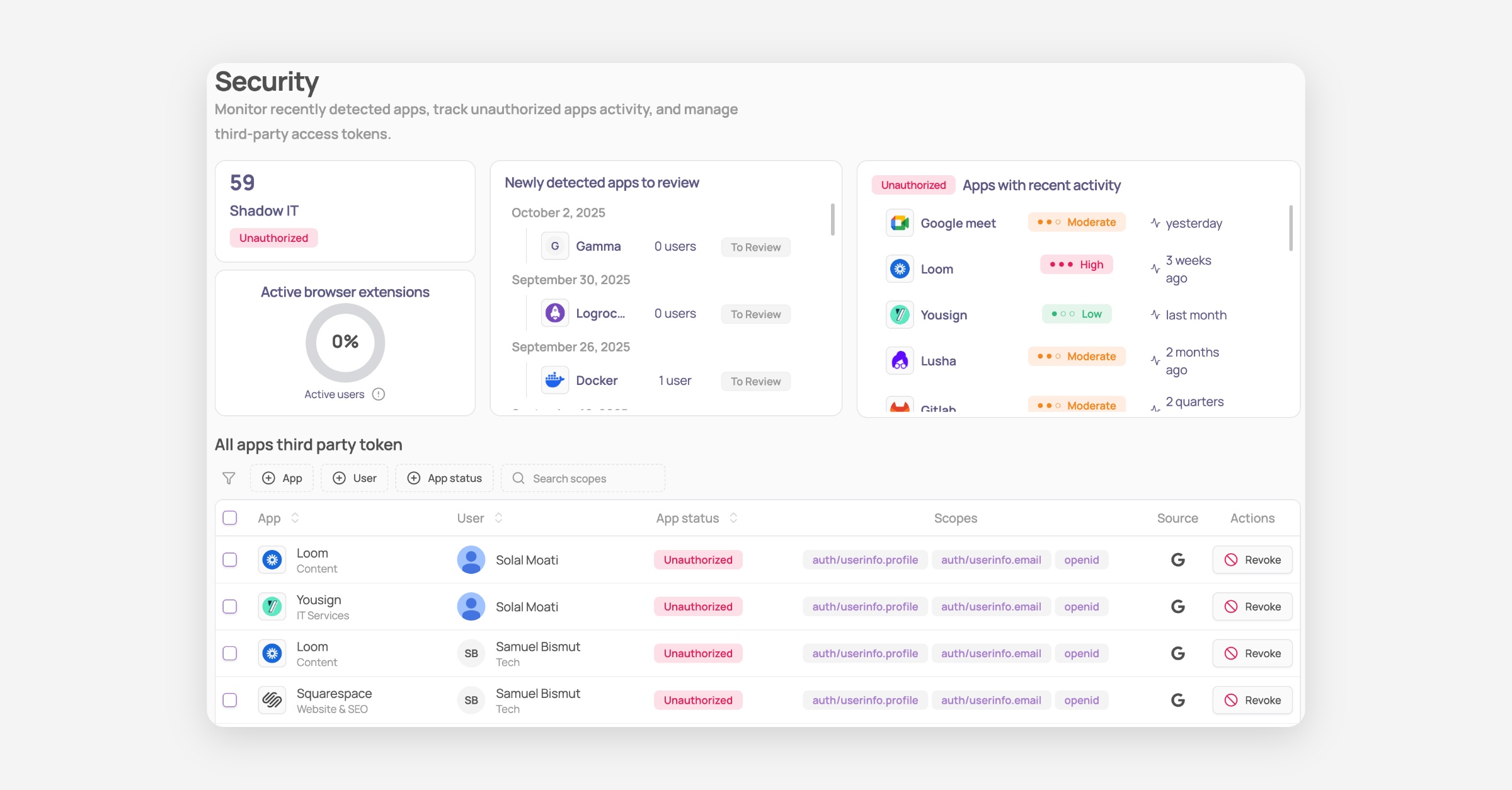
Clear Risk Insights: Instantly see newly detected apps, recent activity, and associated risk levels across your organisation.
Active Browser Extension Coverage: Monitor browser extension adoption to ensure full visibility into your app landscape.
Third-Party Token Inventory: Review all third-party tokens granted by users, including scope, app status, and permission source. Tokens can be revoked directly from the interface.
Smart Filters: Use advanced filters to quickly drill down by app, user, permission type, or source.
Categorize applications
Corma admins are prompted to categorize applications used across the organisation using one of the following statuses:
Authorized: Apps validated and managed by the company. Authorized apps only will be taken into consideration when offboarding a user.
Unauthorized: Apps IT flags as unauthorized which all users should not use. Going on this app will generate strong notifications to prevent user from using it.
Tolerated: Apps not managed by IT but users are authorized to use them. Those will not generated browser notifications if being used.
To Review: Apps detected by Corma that need to be reviewed by IT or others to give one of the status above.
Corma compliance risk score
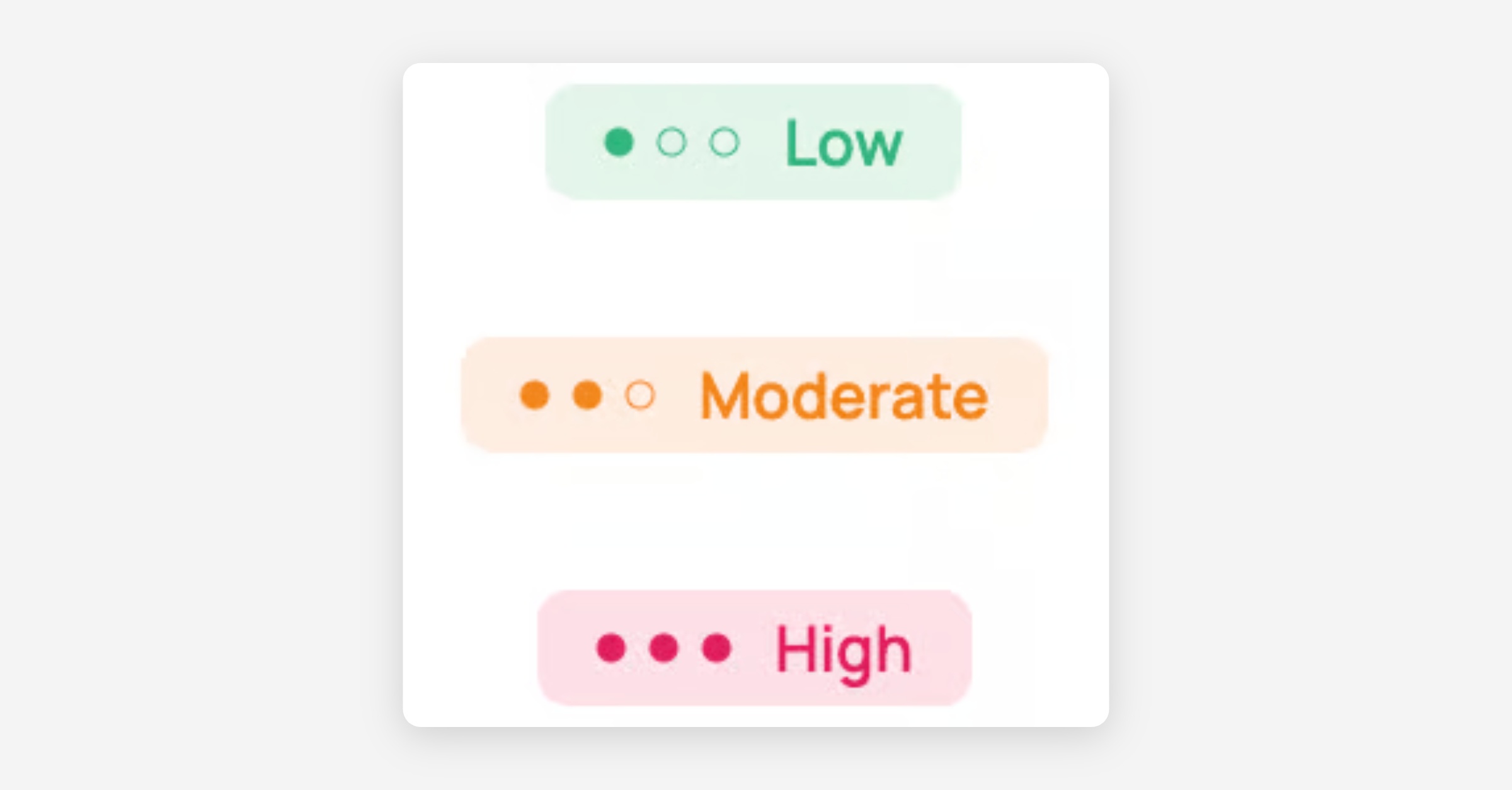
Corma automatically assigns a compliance risk score to each Shadow IT application - Low, Moderate, or High - based on factors such as data hosting location, data sensitivity, security certifications, and known security incidents.
Was this helpful?