

An admin access is required to connect Workday to Corma
Connect to your Workday account.
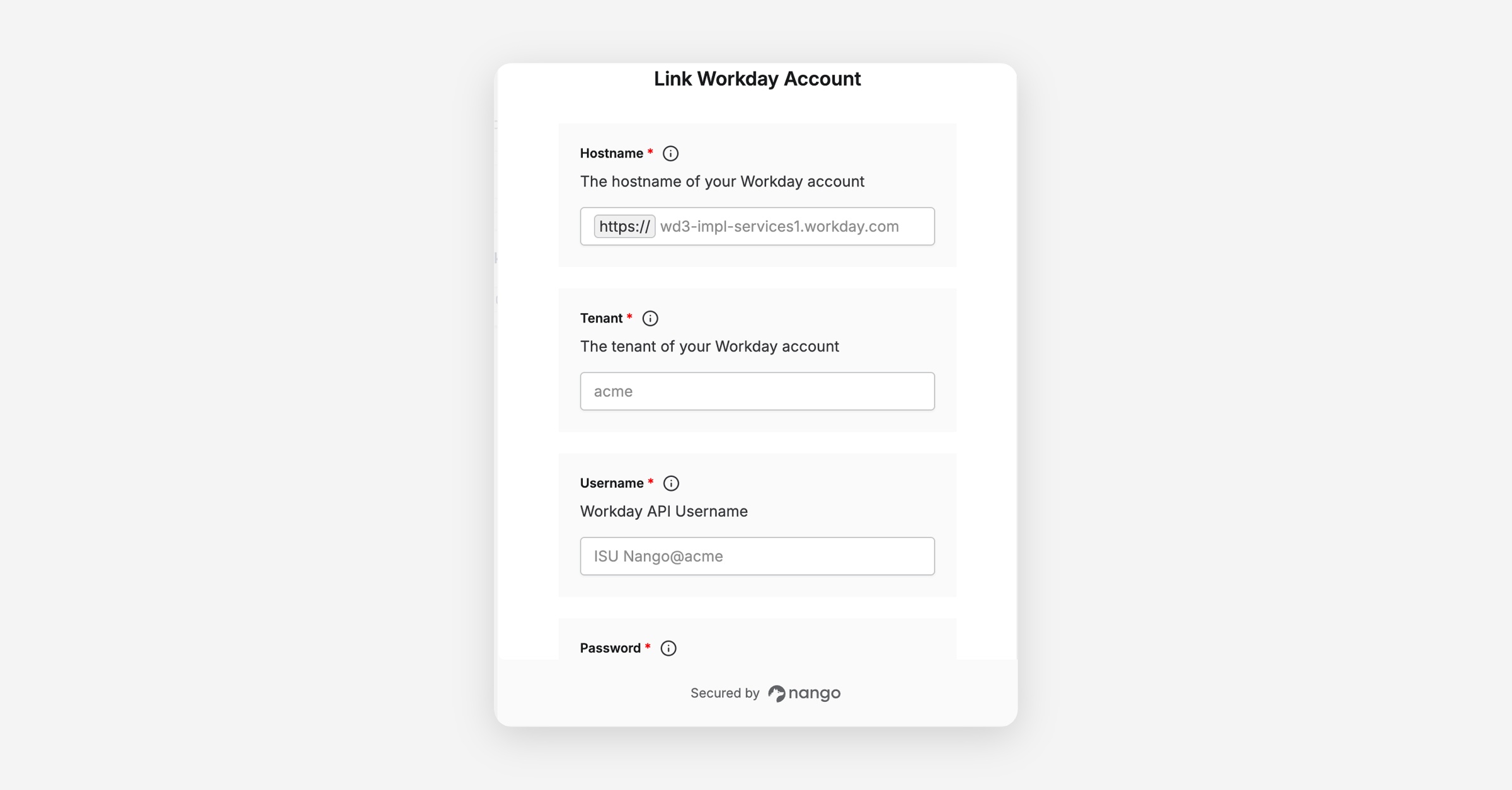
You've successfully connected Workday to Corma!
Data should be synchronized within the next 24 hours and will be synched every day to your Corma app.
Map Workday fields to Corma
To choose which Workday field fills each Corma user field, go to Settings → HR Properties → Fields Mapping. See HR Properties for the full guide.
HR status. By default, Corma sets the HR status from Workday's flags, not from the dates:
Workday data | Corma HR status |
|---|---|
Terminated flag set |
|
Hire date in the future |
|
Active flag false |
|
Any other case |
|
If you map HR status yourself, the value must be active, terminated or pending. Corma skips any other value.