
How to import invoices into Corma
How to import invoices into Corma
Once a contract exists, keep it up to date by adding invoices as they come in — either in bulk across all your apps, or one at a time for a specific app.
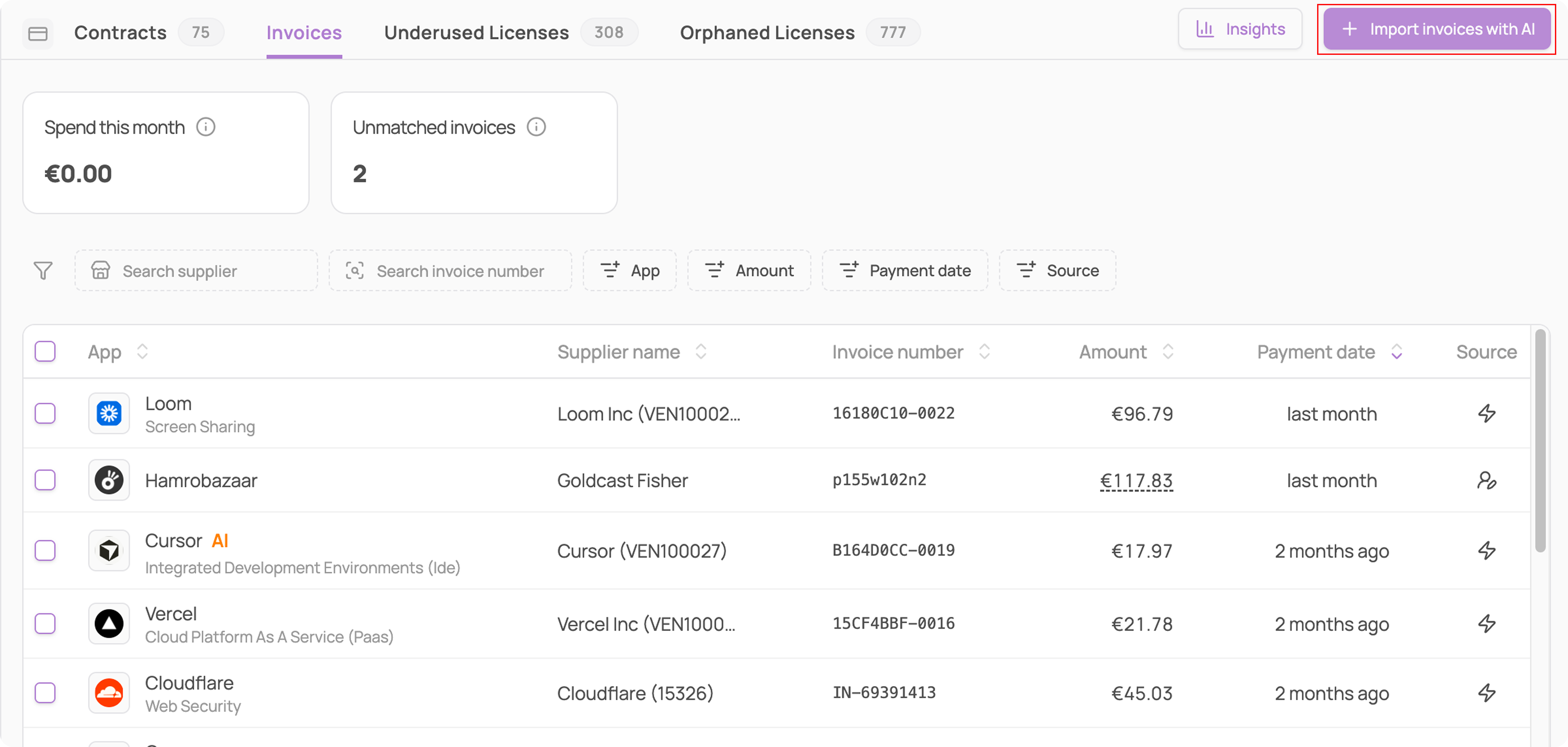
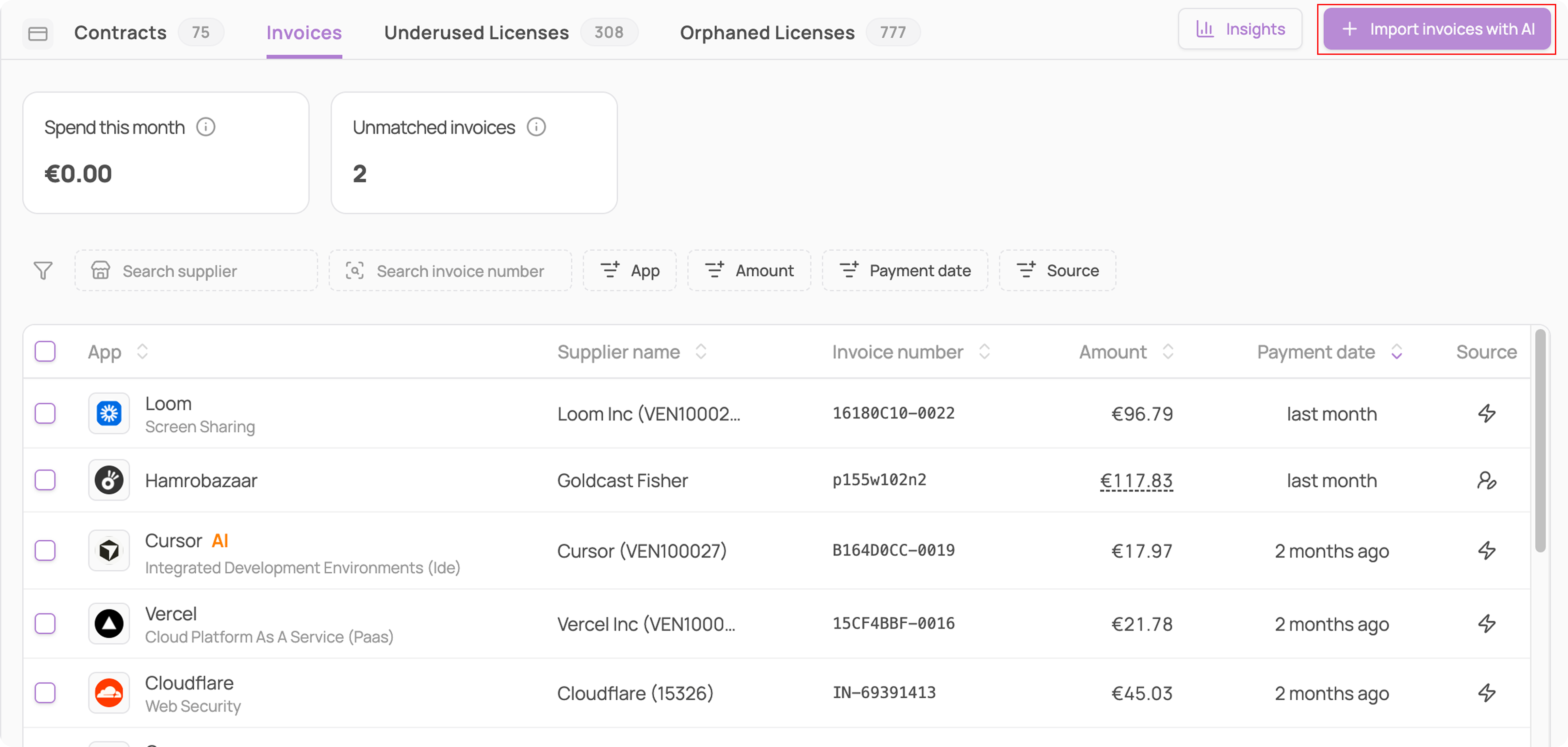
From the Invoices page
Navigate to Contracts → Invoices
Click "Import invoices with AI" in the top right
Upload your invoice file(s)
From a specific app's page
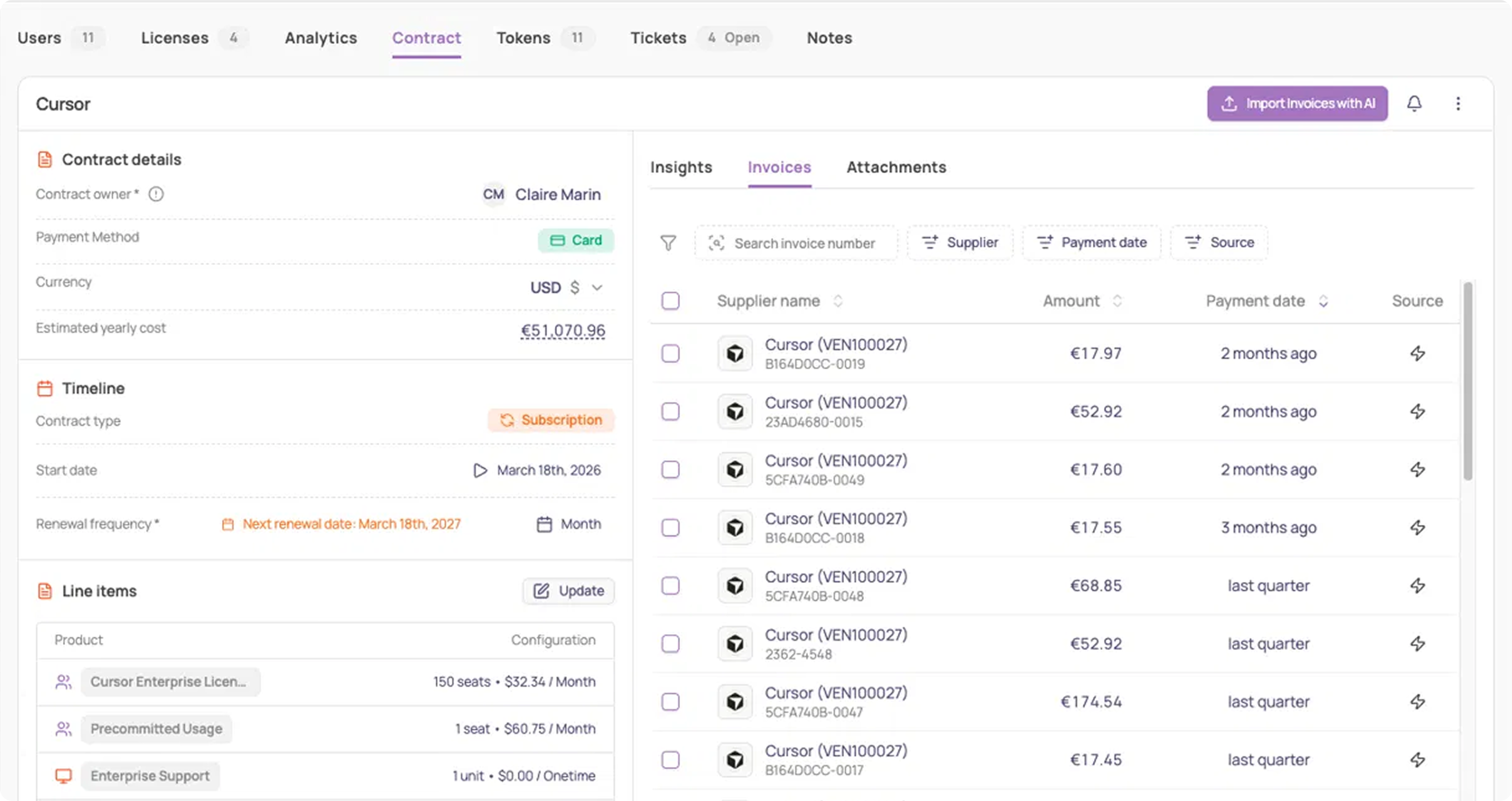
Go to the app's page → Contract tab. You can add an invoice from here regardless of which sub-tab (Insights, Invoices, or Attachments) you're on — the buttons stay in the header.
Click ⋯ → "Add invoice" to enter one manually (supplier, amount + currency, date paid, invoice number), or click "Import Invoices with AI" to upload a file for just that app
To manage invoices you've already added, go to the Invoices sub-tab. Each row shows the supplier, amount, payment date, and source of your invoice.
Was this helpful?